What Is Cells App?
Cells app, also known as Three Cells, is a daily execution app that helps you plan priorities, track habits, and review your day without switching tools.
People discovering Three Cells for the first time and looking for a clear explanation before they download or sign up.
Why Most New Productivity Apps Feel Confusing
New users often see many features but no clear daily workflow, which creates hesitation and low adoption.
You are not sure if Cells app is for habits, tasks, journaling, or all three.
You have tried other apps that were hard to understand and never stuck.
You want one clear daily process instead of another disconnected feature set.
What Three Cells Actually Does
It gives you a simple operating loop: set priorities, complete routine habits, and reflect briefly so each day improves.
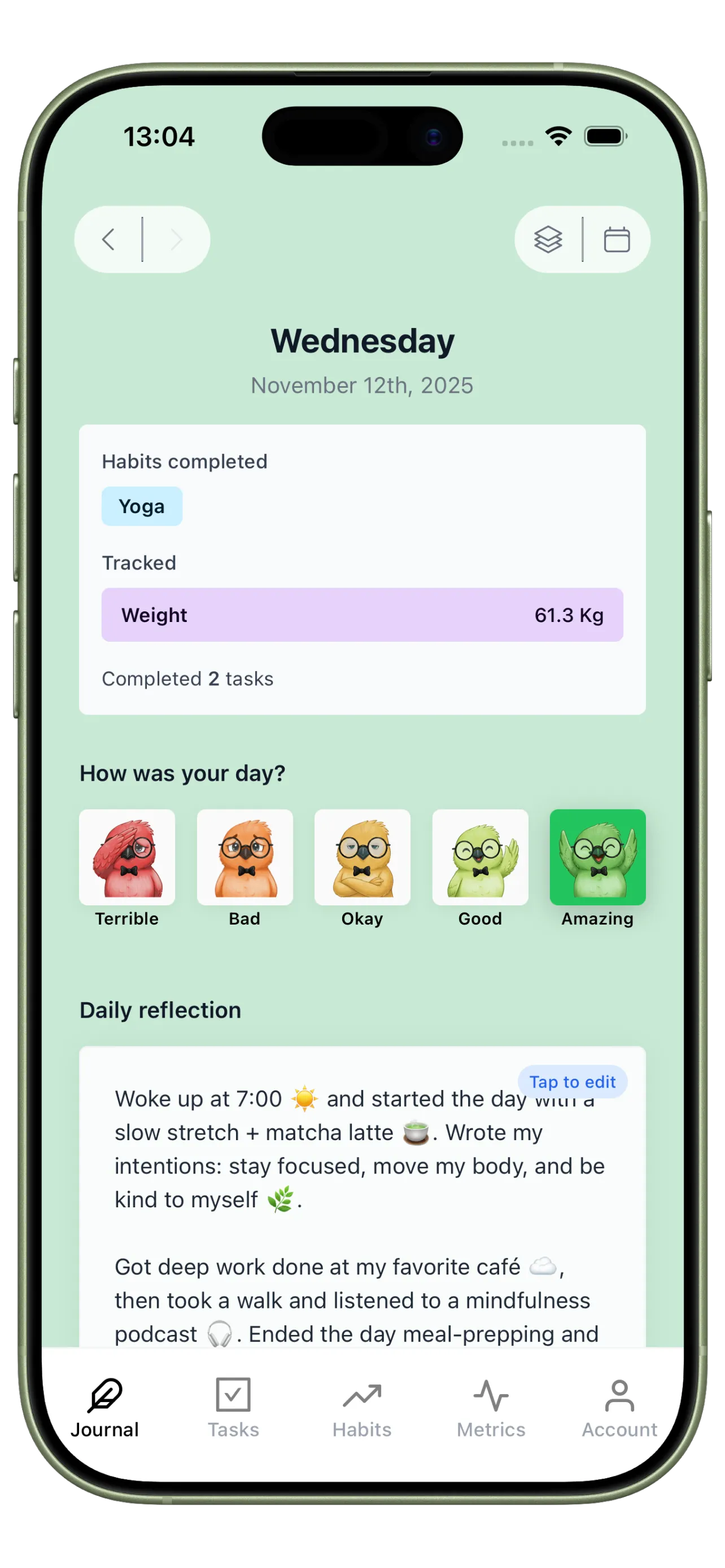
Daily Reflection Cell
Journal is the reflection layer. It helps you understand why days worked instead of only recording checkboxes.
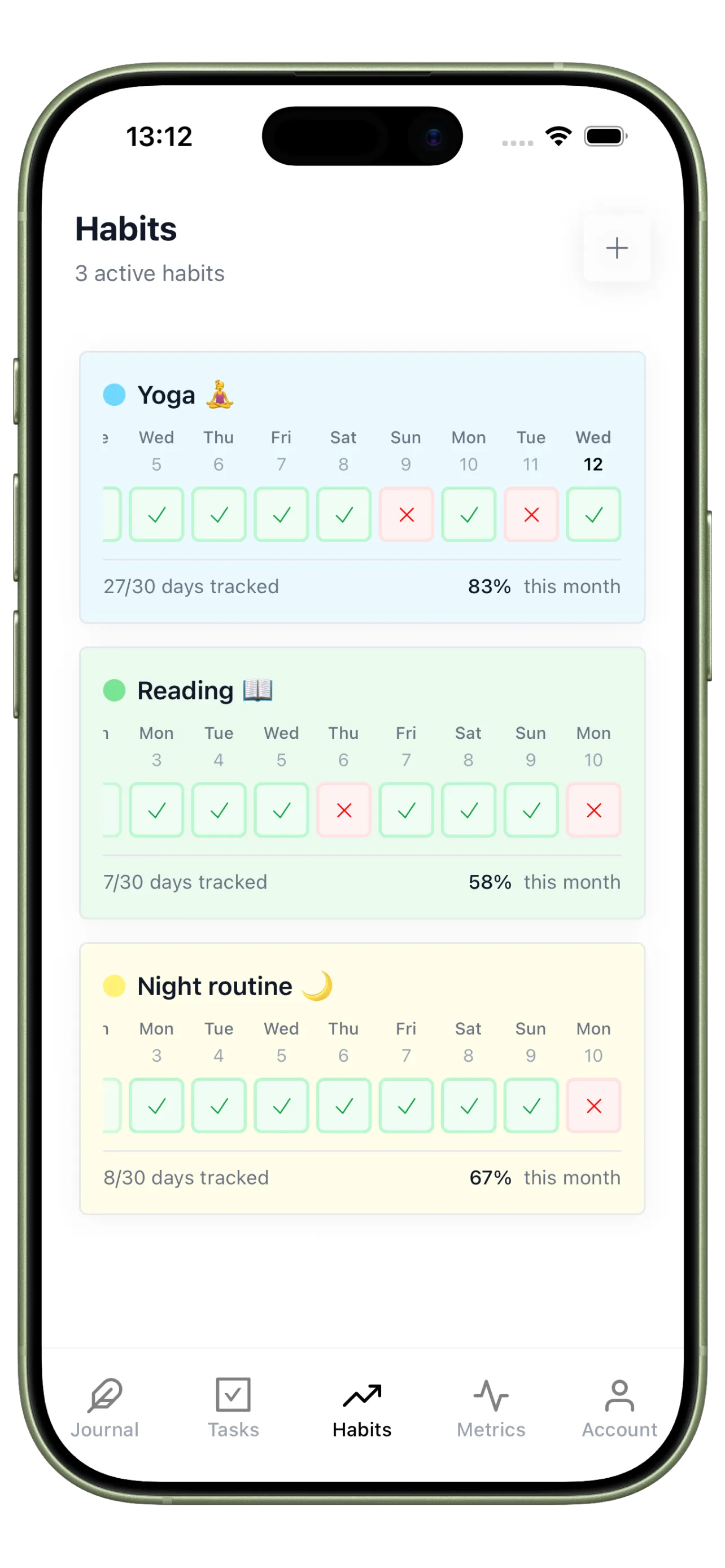
Routine Tracking Cell
Habits is the consistency layer. It keeps recurring behaviors visible so momentum can compound.
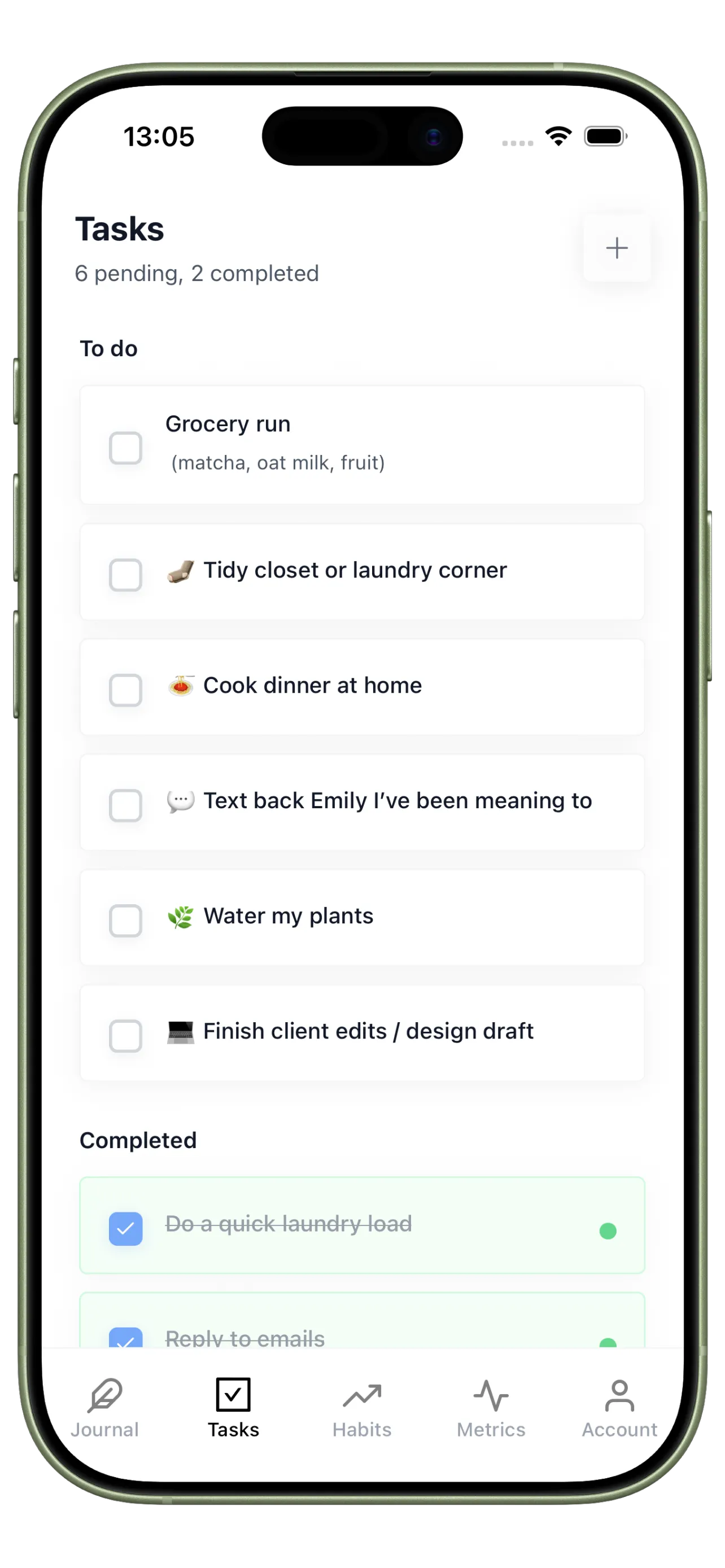
Priority Tasks Cell
Tasks is the execution layer. It keeps your highest-impact actions front and center each day.
How to Start Using Cells App in 4 Steps
Follow this setup to understand the app quickly and see value within your first week.
Step 1
Create three daily priorities
Start by defining what must get done today so the app has a clear execution target.
Step 2
Add two repeatable habits
Track small routines you can complete daily to build momentum quickly.
Step 3
Write a short end-of-day note
Capture one win and one blocker so the app starts learning your patterns.
Step 4
Review your week once
Look at streaks and notes together to decide what to keep, simplify, or improve.
How Cells App Shows Your Progress
Instead of isolated checkmarks, you see daily logs, trends, and consistency patterns tied to real outcomes.
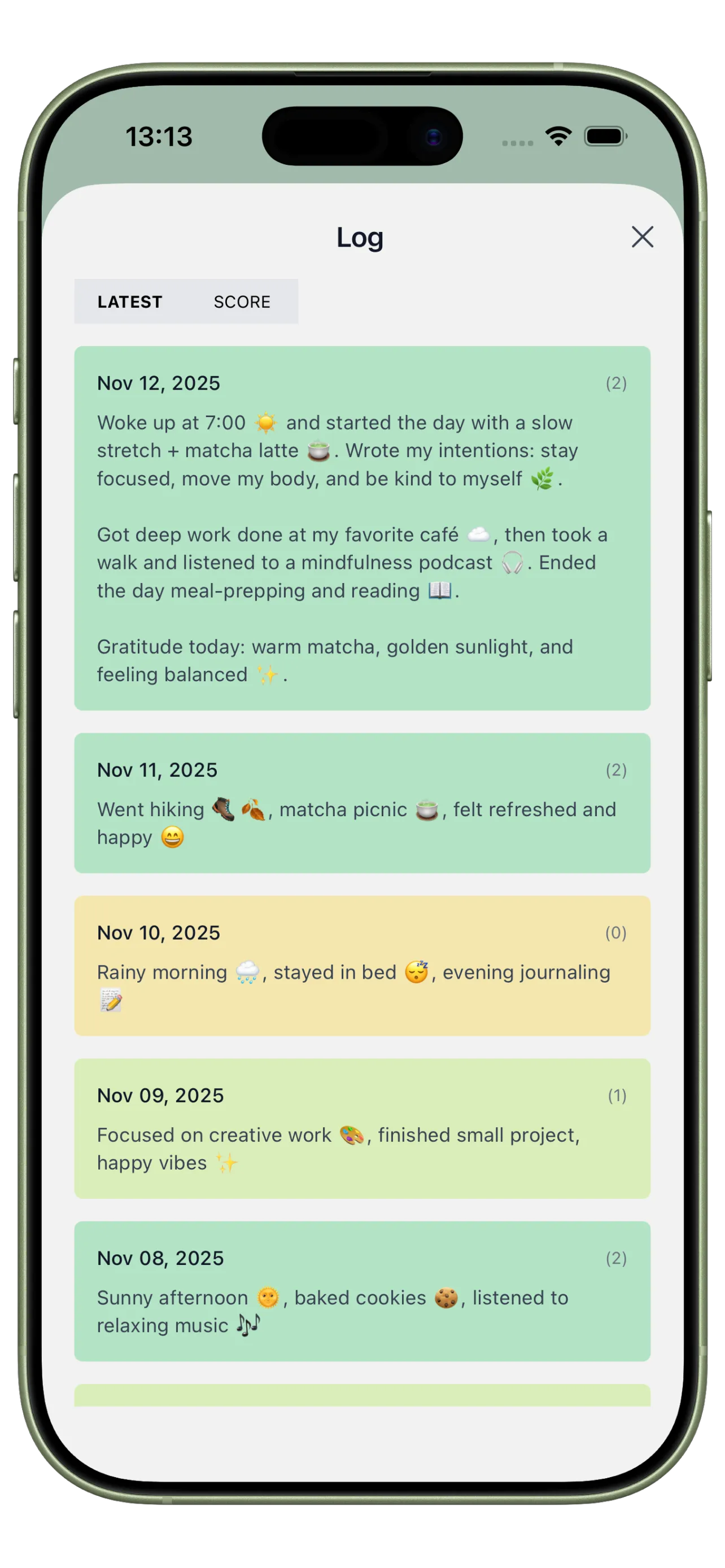
Day-by-Day Activity Log
See your entries, actions, and outcomes together so each day has clear context.
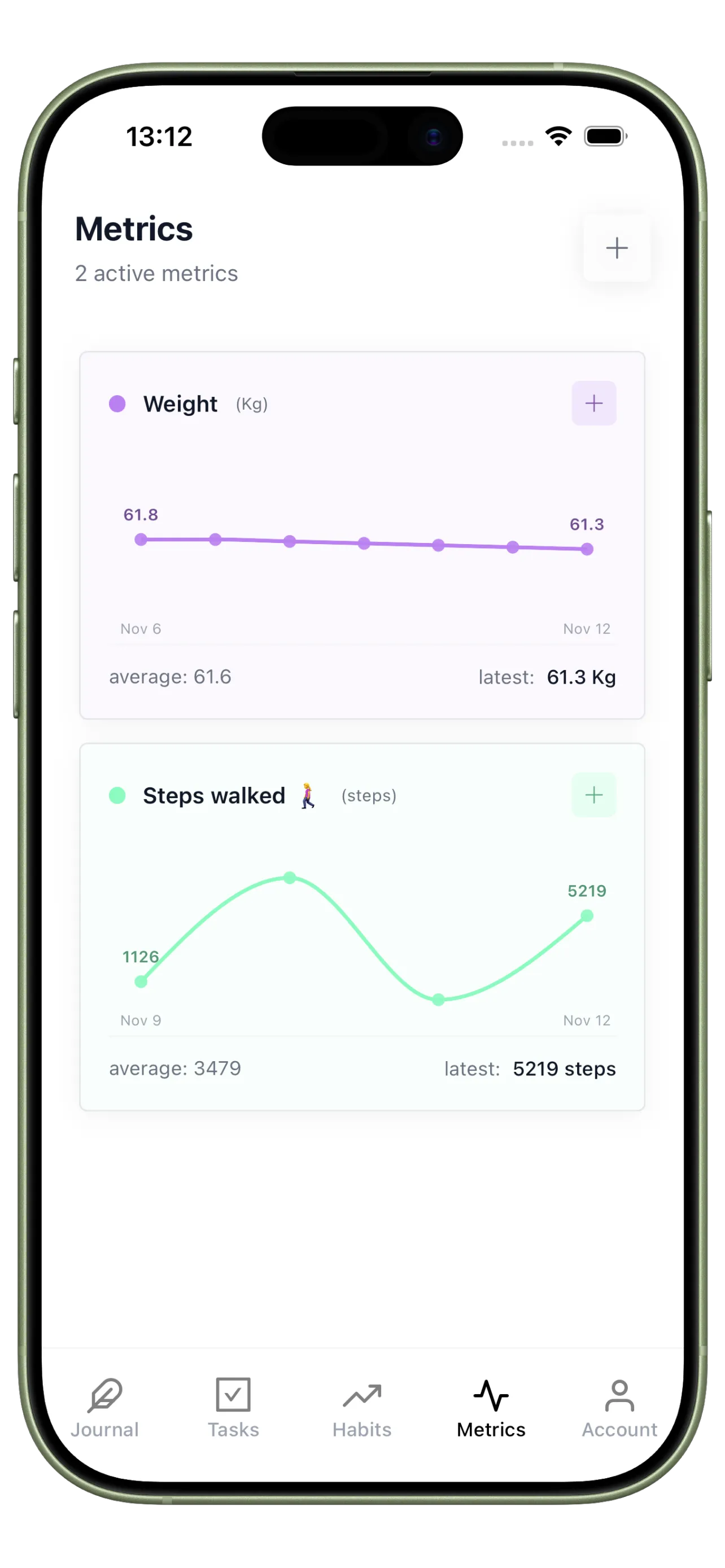
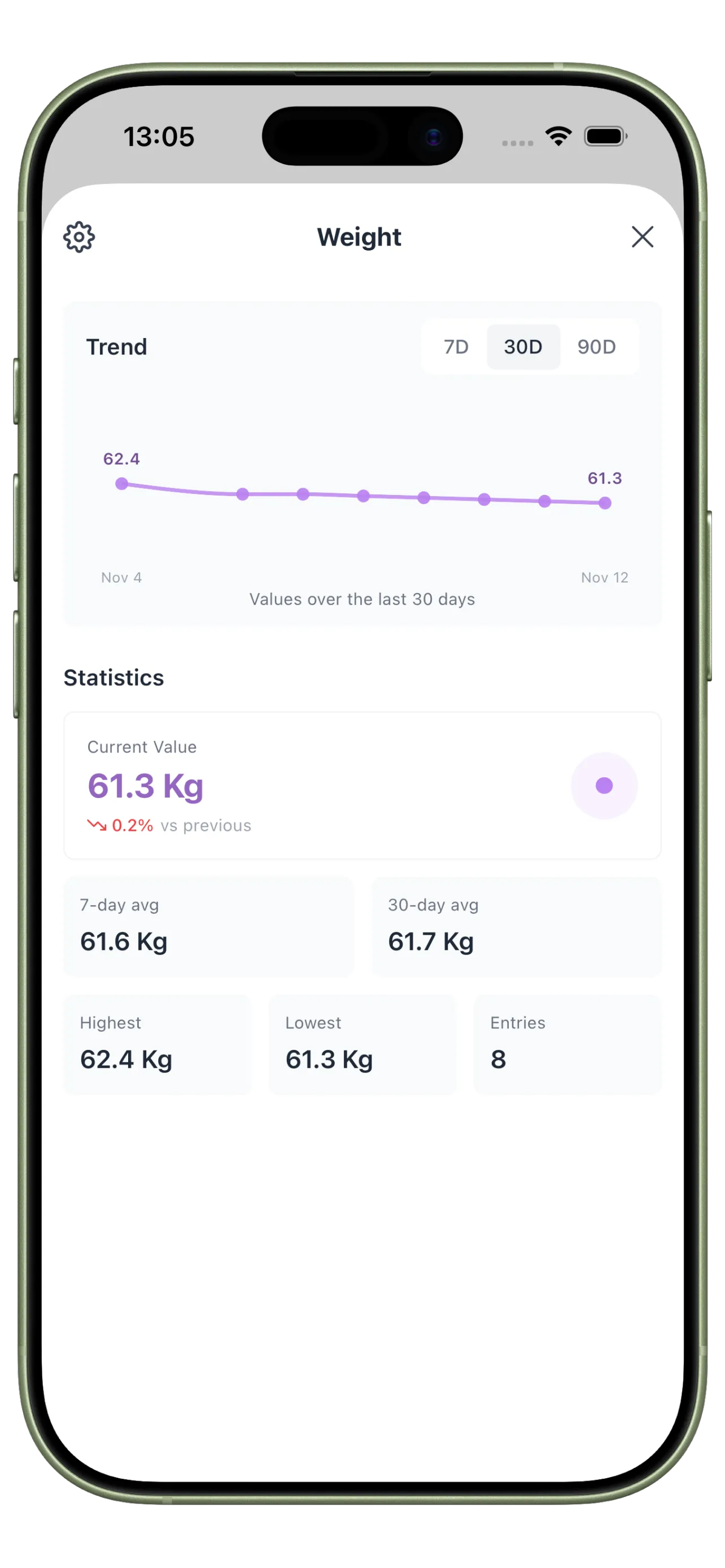
Performance Trend Metrics
Track custom indicators like focus time, completion rate, or mood stability over weeks.
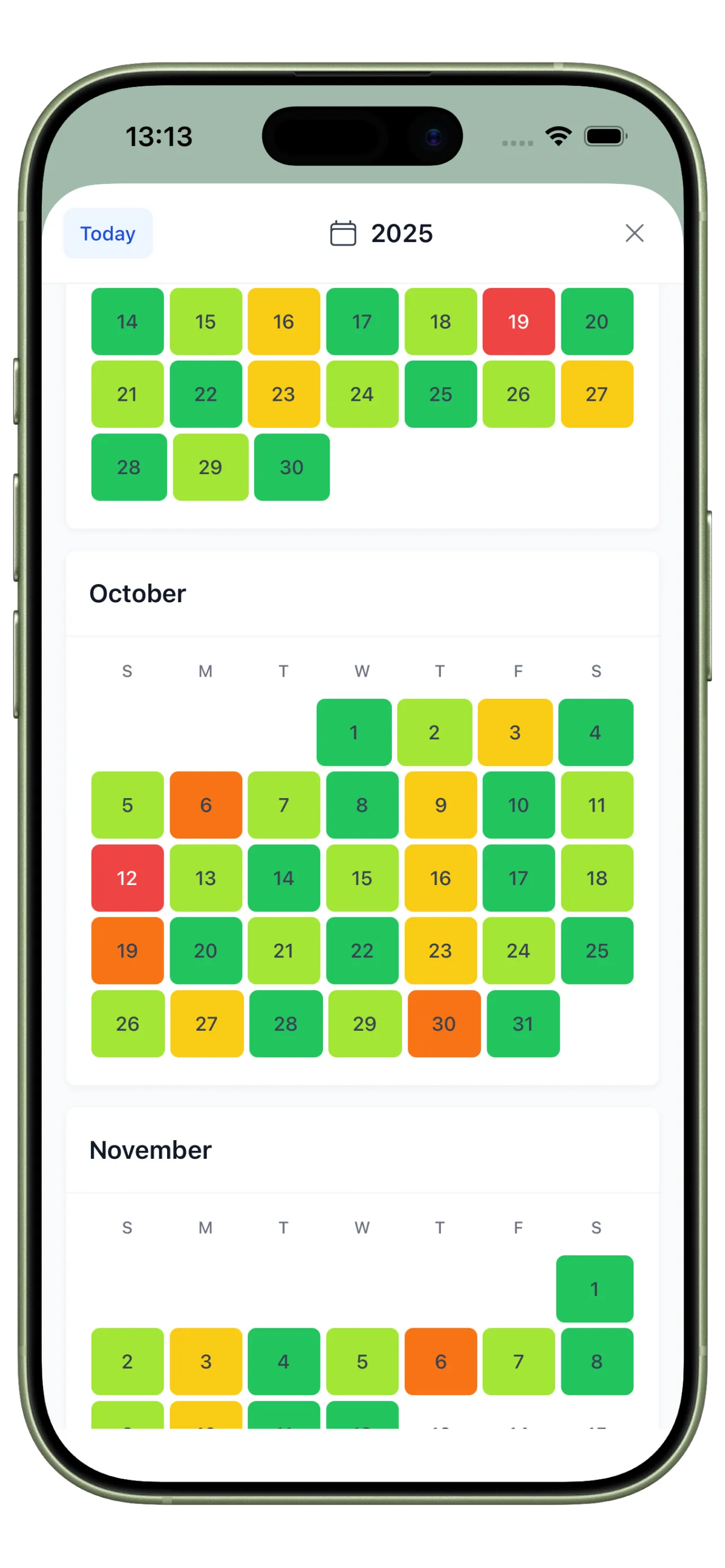
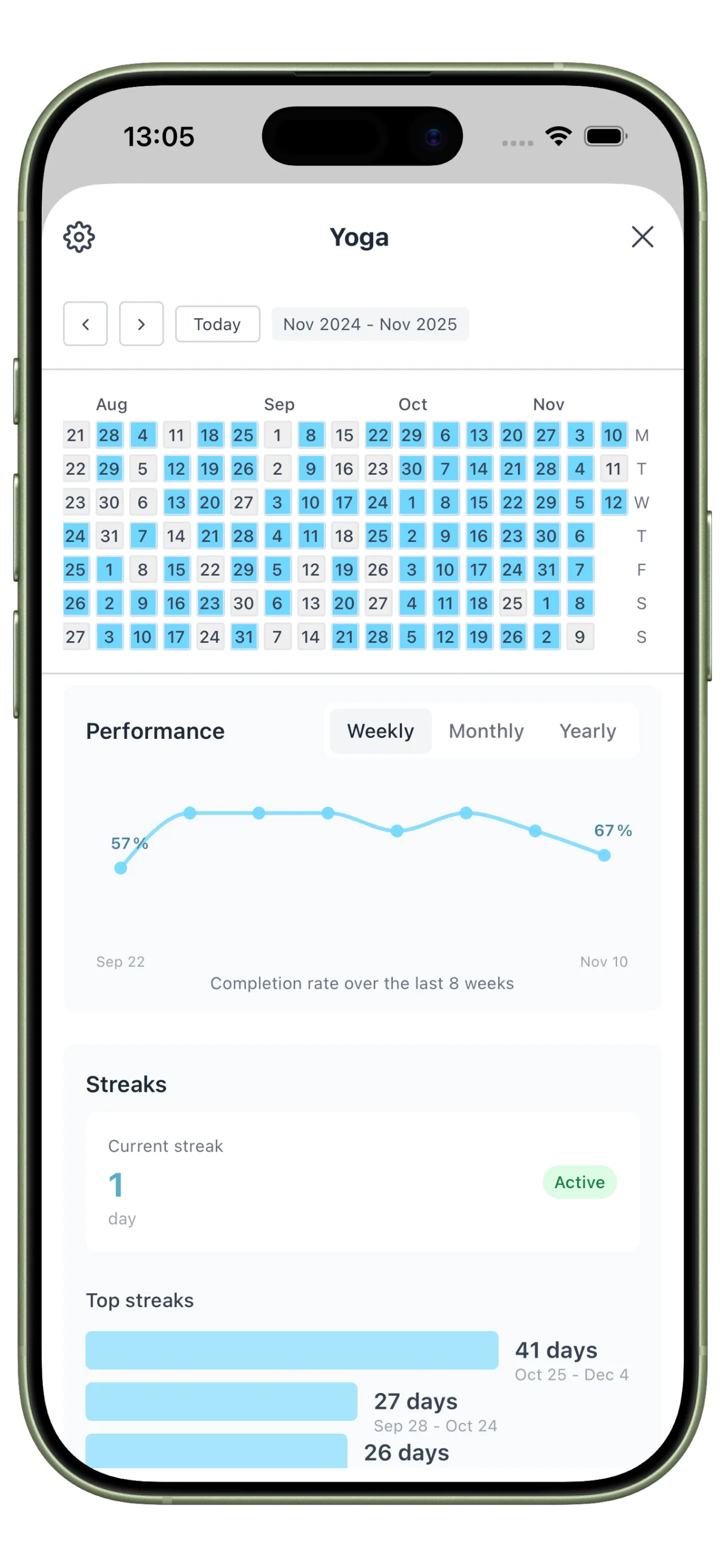
Consistency Pattern Calendar
Visual streaks show how regularly you run your core behaviors and where recovery is needed.
From App Confusion to Daily Clarity

Before: Unsure Where to Start
You test apps that look powerful but never become part of your actual day.

After: Clear Daily Operating System
You understand the workflow immediately and use one app to run planning, execution, and review.
Cells App FAQ
Is Cells app the same as Three Cells?
Yes. People often search for it as Cells app, and the product name is Three Cells.
What is the main purpose of Cells app?
Its purpose is to help you run each day with one simple workflow for planning, habits, and reflection.
Do I need to use every feature on day one?
No. Start with priorities and one or two habits, then add more once the routine feels natural.
Try Cells App With a Simple Setup
Cells app is easiest to understand when you use it as a daily loop: plan, execute, and review.