Notion vs a Dedicated Habit Tracker
Notion is strong for planning and documentation. Dedicated habit trackers win when logging speed, streak visibility, and weekly review quality matter every day.
People researching whether to keep habits inside Notion or move to a dedicated system that is easier to use consistently.
Where Notion Starts to Break for Habit Tracking
Notion works well for designing systems, but repeated behavior tracking usually suffers when logging, reminders, and review all depend on manual structure.
Notion makes it easy to design a tracker, but harder to maintain the logging habit itself.
Habit data, project notes, and task planning often end up mixed together in ways that blur the daily workflow.
You cannot tell whether your tool is helping consistency or just giving you more knobs to adjust.
What a Dedicated Habit System Changes
Three Cells gives you a clearer separation: habits for repetition, journal for context, and tasks for exceptions, instead of forcing everything into one database model.
Context Notes
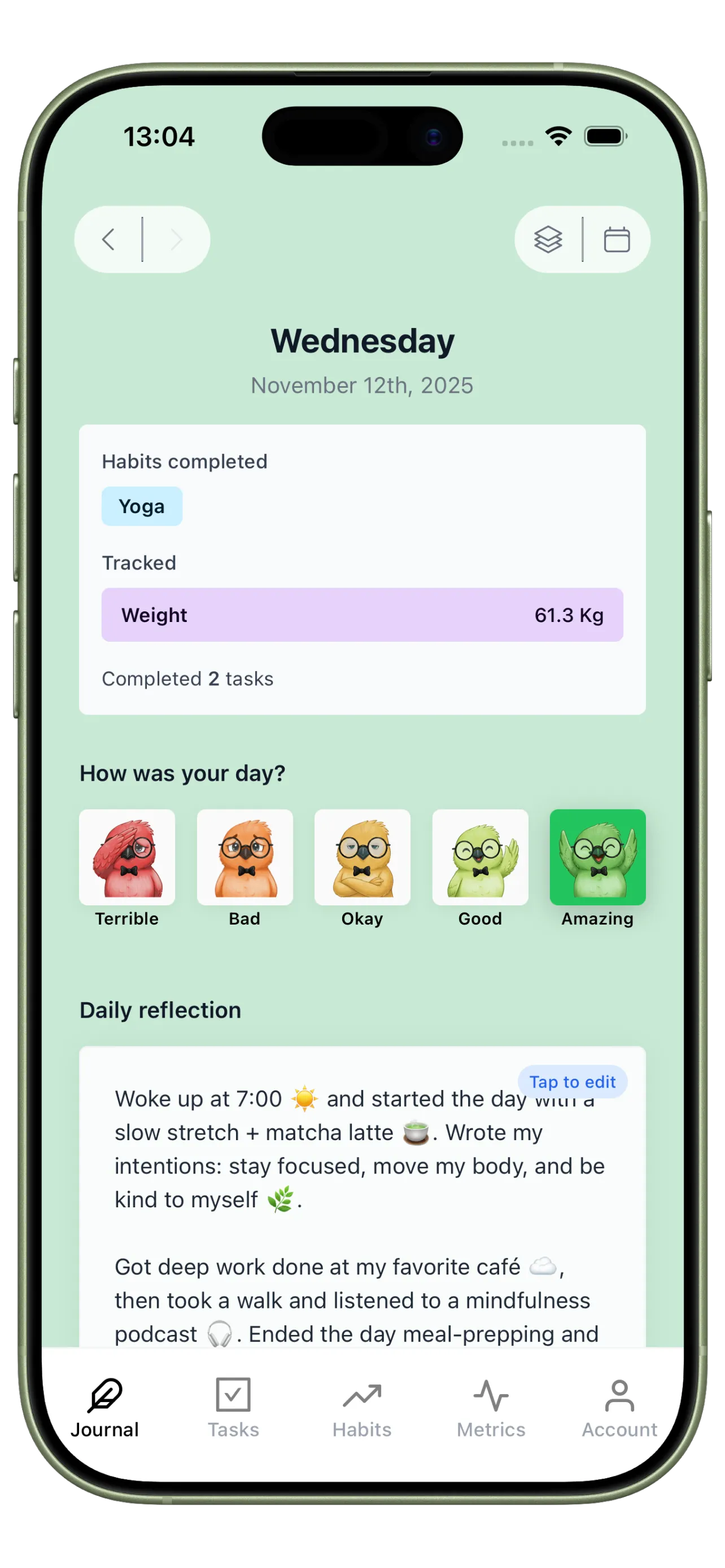
Use Journal to add daily context that explains why habits were easy or hard. This is often the missing layer in Notion-based trackers.
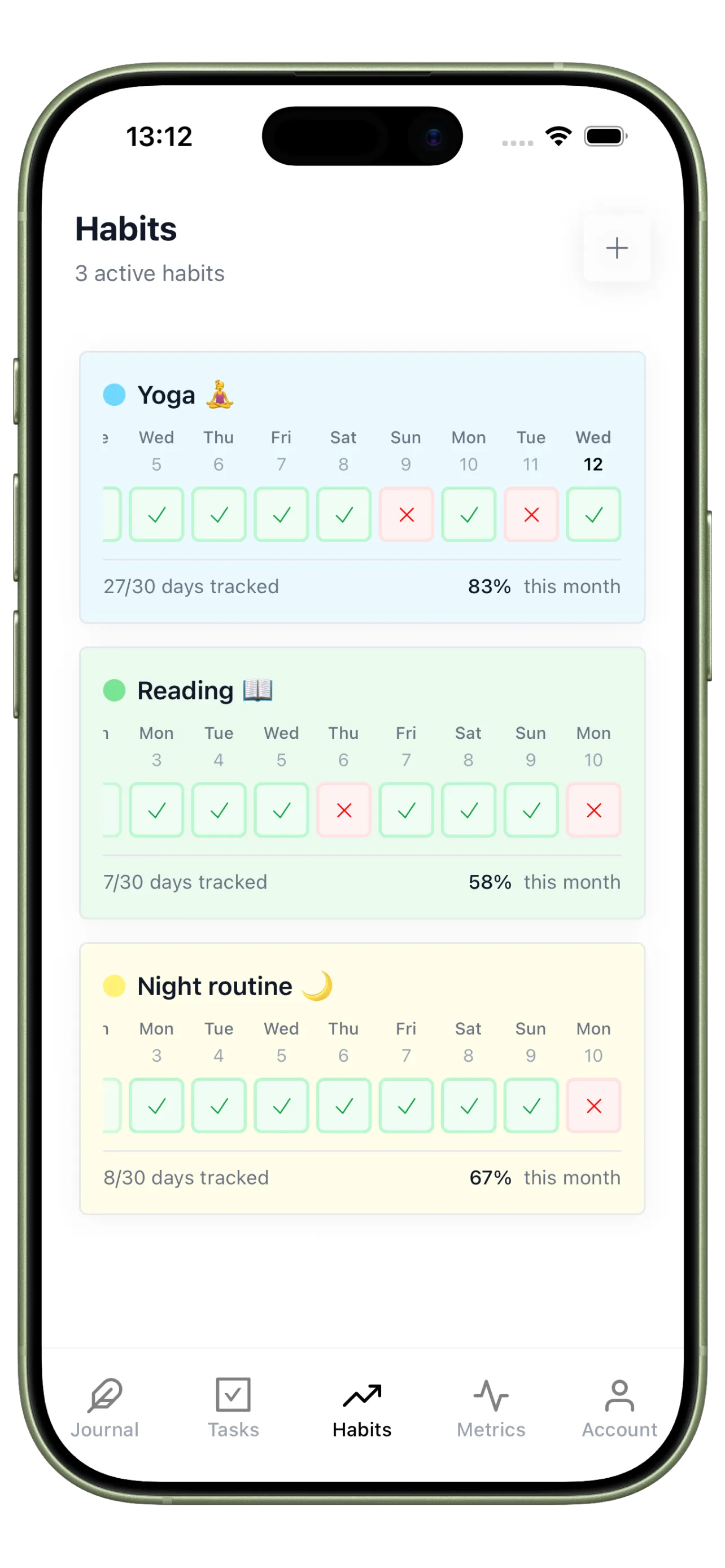
Fast Repetition Tracking
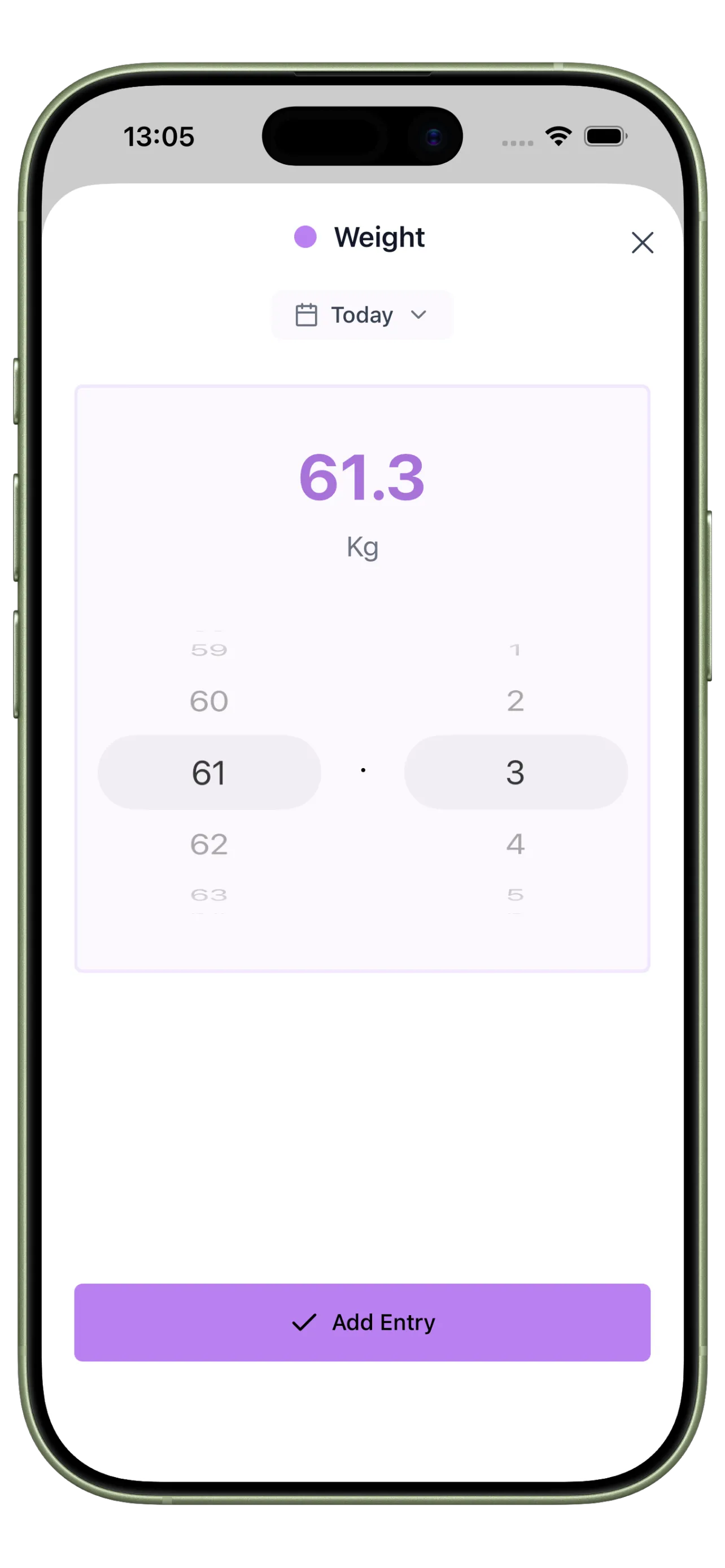
Use Habits for repetition and visibility, not database design. Logging should feel easier than skipping.
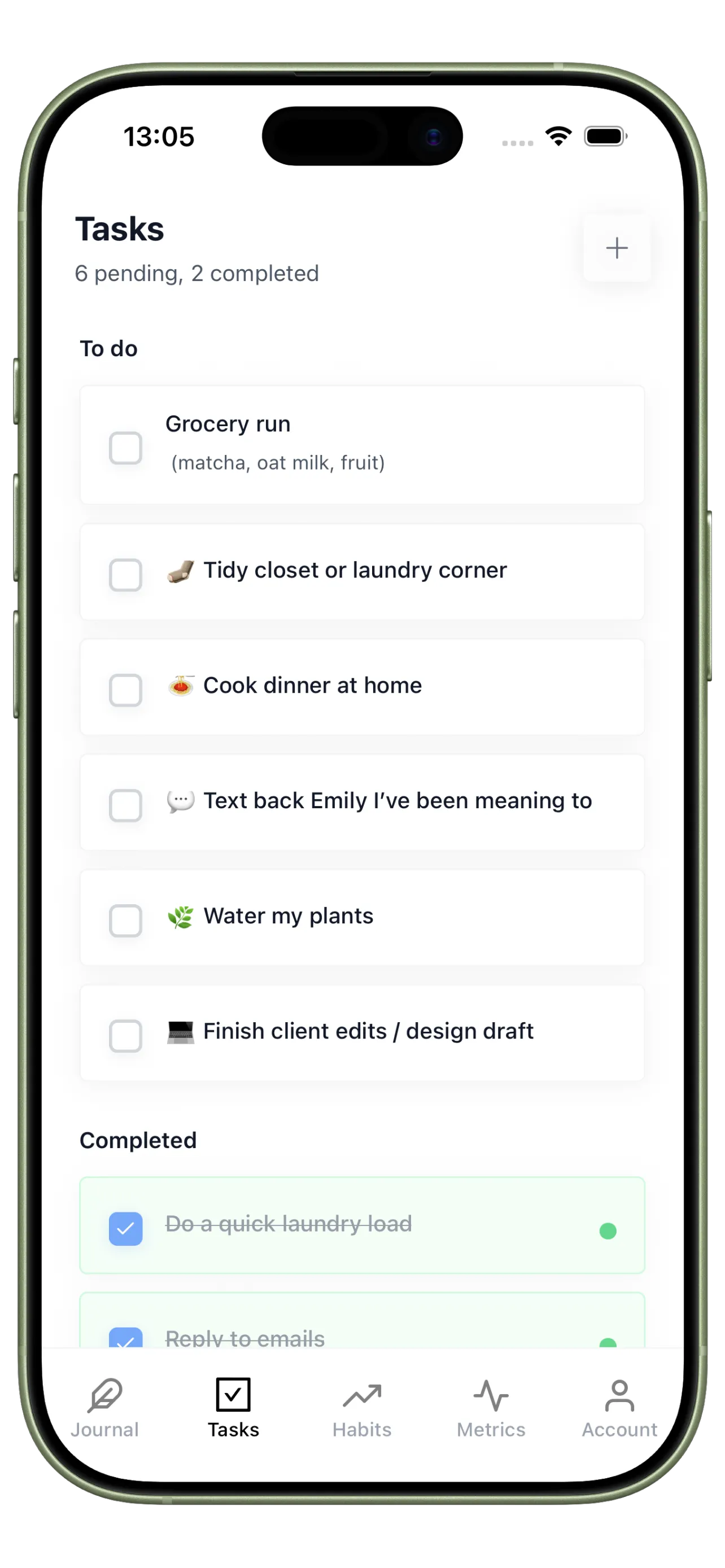
Exception Handling Tasks
Use Tasks for irregular actions so your habit system stays focused on repeatable behaviors instead of turning into a full workspace clone.
A 4-Step Way to Compare the Two
Decide based on adherence and review quality, not just how customizable the dashboard looks.
Step 1
Keep Notion for reference material
Store plans, project docs, and long-form notes there if it already works well for you.
Step 2
Move only repeated behaviors first
Test a dedicated habit loop with your most important daily actions before migrating everything else.
Step 3
Run a one-week adherence comparison
Measure which system you update more consistently on busy days, not just on motivated ones.
Step 4
Choose based on review quality
Pick the tool that helps you notice patterns and make adjustments faster.
Measure the Tool by Daily Use, Not Setup Flexibility
The right system is the one you can open, update, and learn from quickly for weeks at a time.
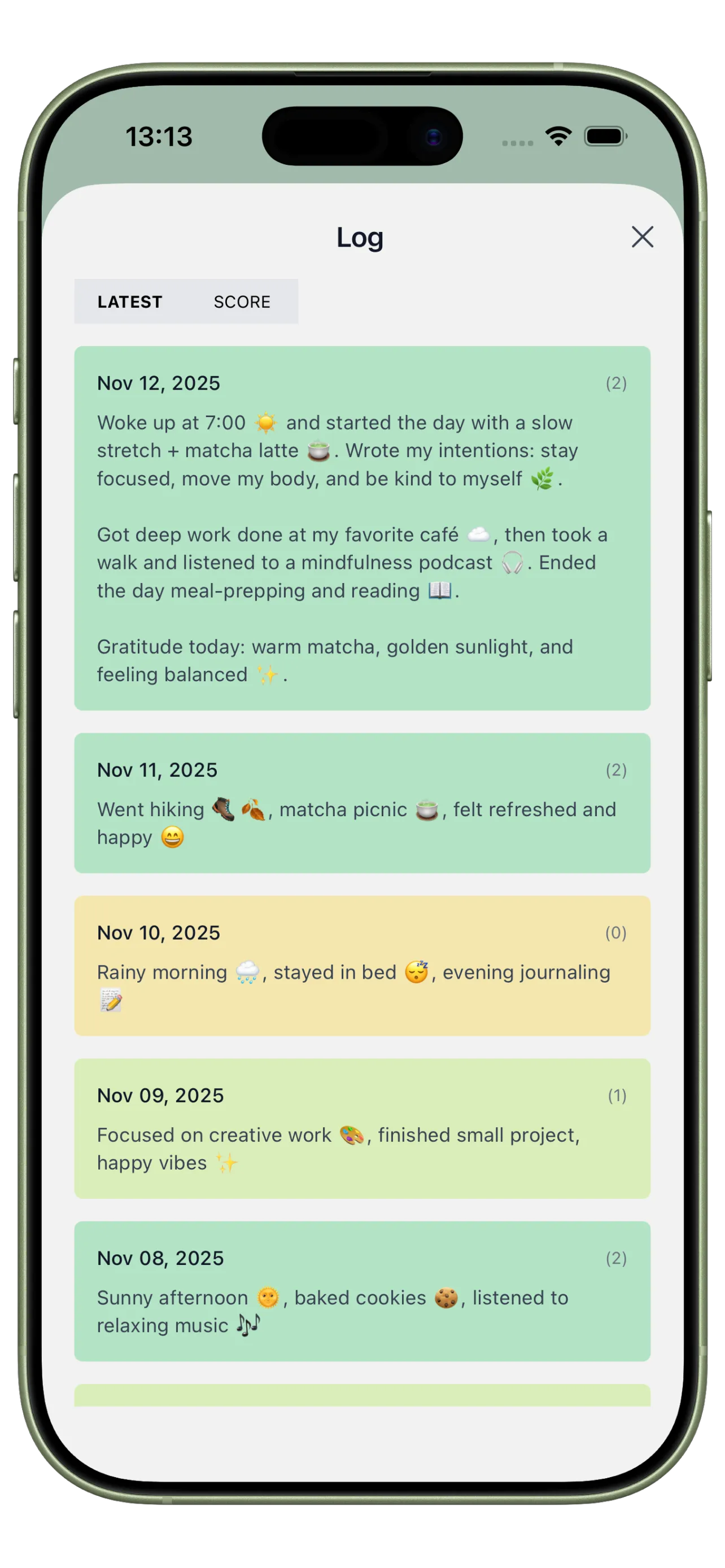
Adherence Timeline
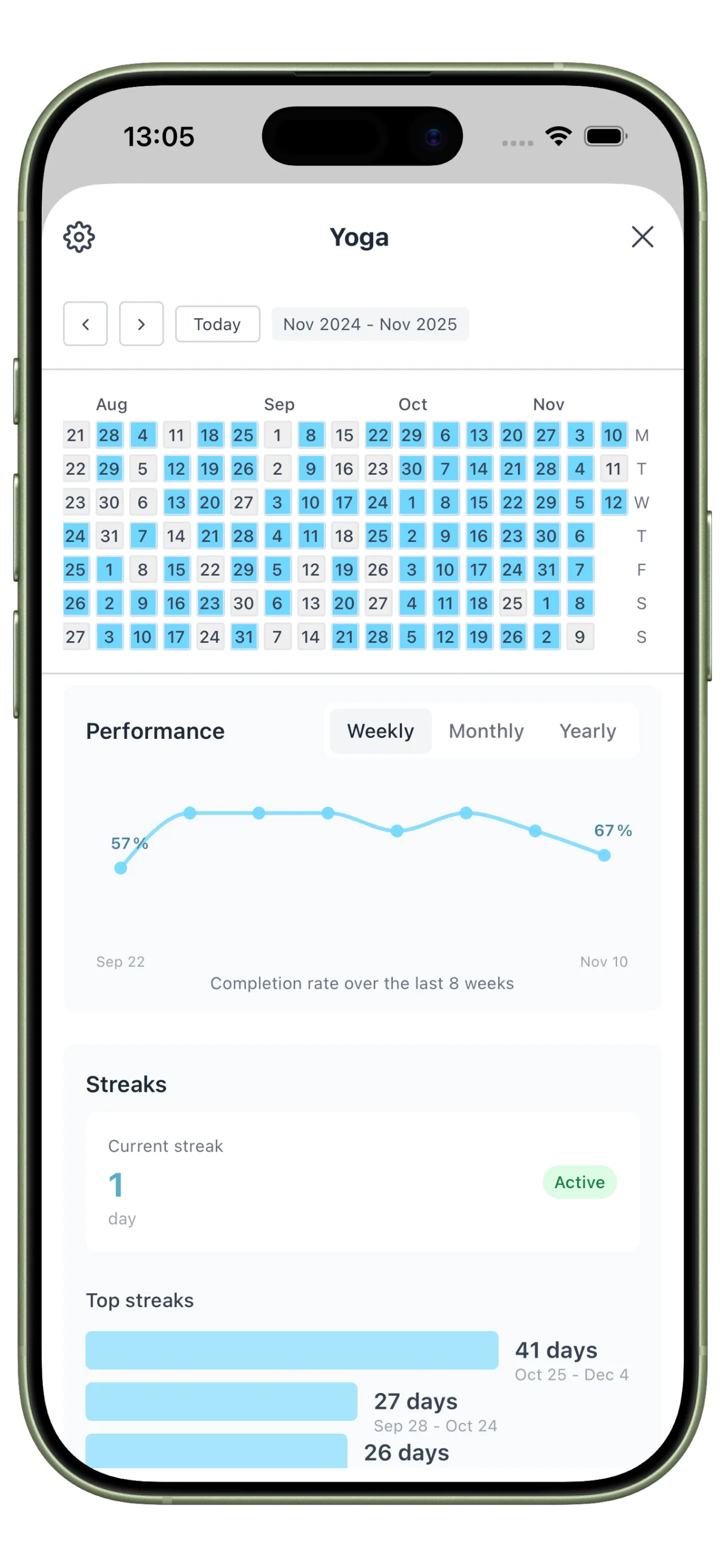
See whether habits were actually completed, and capture the reasons they slipped without redesigning your setup.
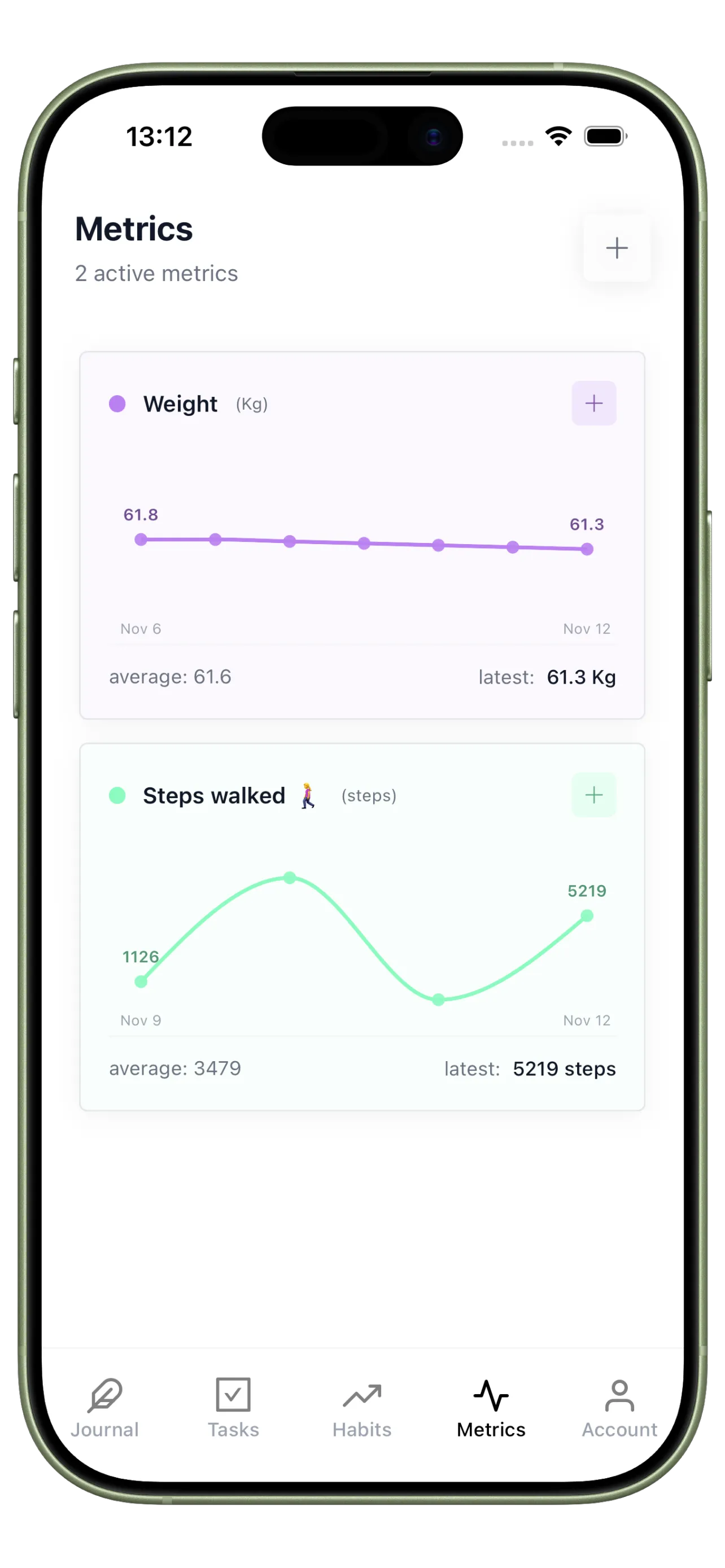
Consistency Trend Metrics
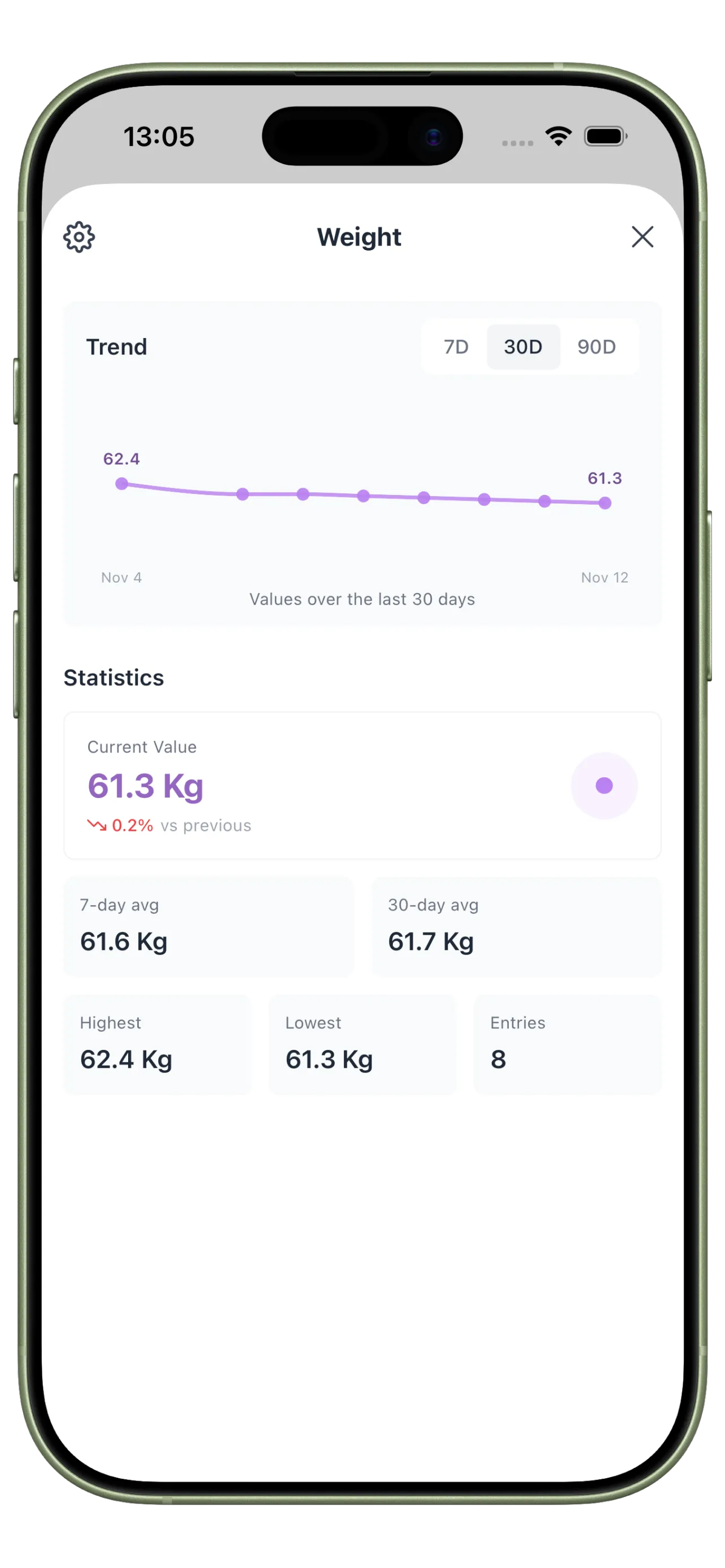
Review patterns in completion and daily energy using a system designed for repeated check-ins.
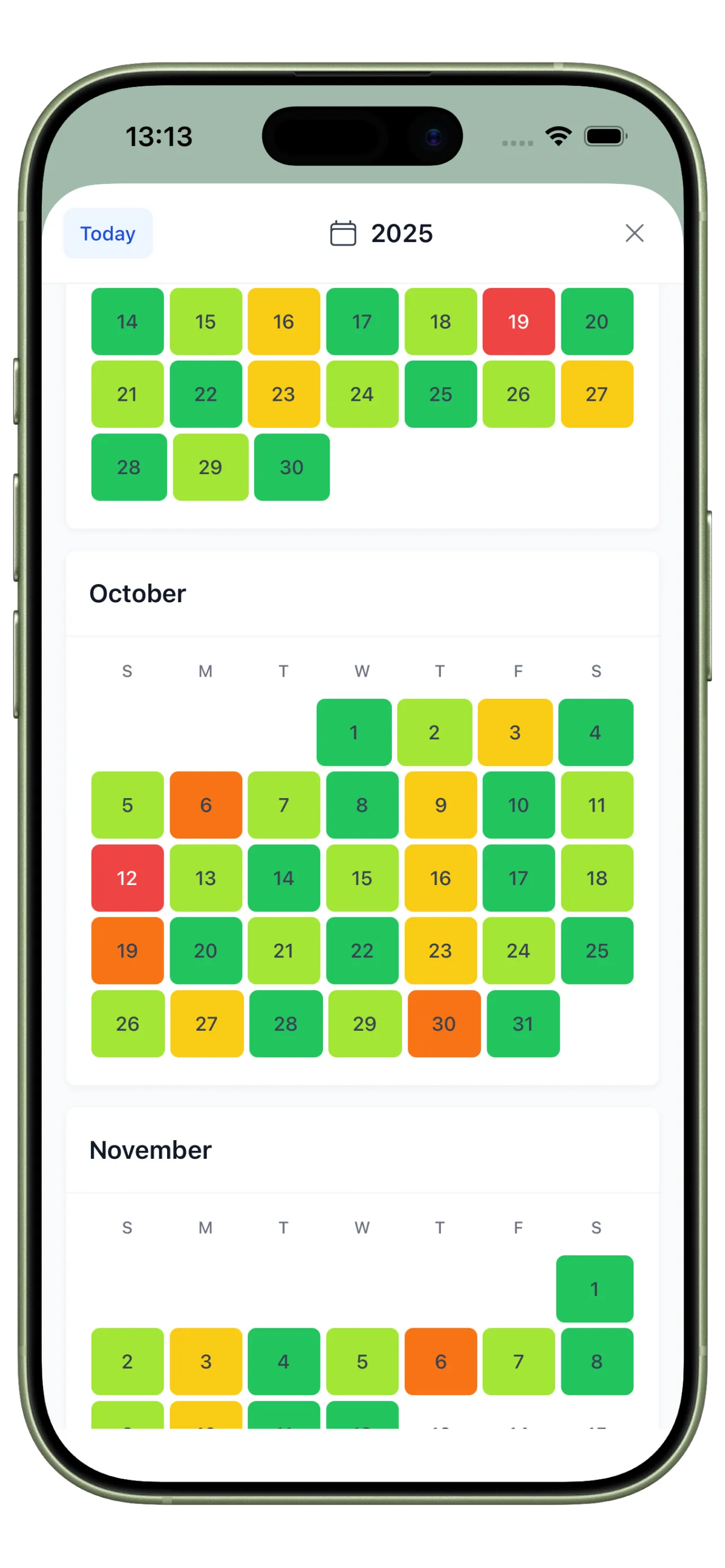
Long-Term Review Calendar
Spot gaps and recoveries quickly with a heatmap view that does not rely on manual formulas.
From Tool Debates to Clear Daily Use

Before: Flexible but Friction-Filled
You can build nearly anything in Notion, but each daily update depends on a setup that was not designed around repetition.

After: A System Built for Adherence
Habits are easy to log, tasks stay separate from recurring behaviors, and weekly review becomes faster and more honest.
Notion vs Habit Tracker FAQ
When is Notion enough for habit tracking?
It can be enough if you enjoy maintaining the setup and your daily logging still happens consistently on mobile and desktop.
Can I use Notion and a dedicated habit tracker together?
Yes. A common setup is using Notion for planning and documentation, while a dedicated app handles the daily repetition loop.
What is the most important feature in a habit tracker?
Usually speed of logging plus a review loop. If the tool is slow to update or hard to review, consistency tends to drop.
Use the Tool That Makes Consistency Easier
The better tool is the one that reduces friction every day, not the one with the most customizable setup.