A Better Alternative to a Notion Habit Tracker
Notion is flexible, but most habit trackers built in it become a maintenance project. Three Cells is for people who want to track habits daily instead of endlessly tweaking templates.
People who built a Notion habit tracker, liked the aesthetic and flexibility, and now want faster mobile logging, cleaner streaks, and less admin.
Why Notion Habit Trackers Start Feeling Heavy
The problem is rarely setup. The problem is that daily logging, streak review, and template maintenance all compete for attention.
Your habit tracker is flexible, but opening the template every day still feels like work.
You spend time adjusting views, formulas, and aesthetics instead of reviewing behavior honestly.
Mobile habit logging in Notion is slow enough that busy days become missed days.
What You Gain With a Dedicated Habit Tracker
Three Cells keeps the structure simple: native habit tracking, a short reflection layer, and a lightweight task list for the one-off actions your template never handled well.
Short Reflection Layer
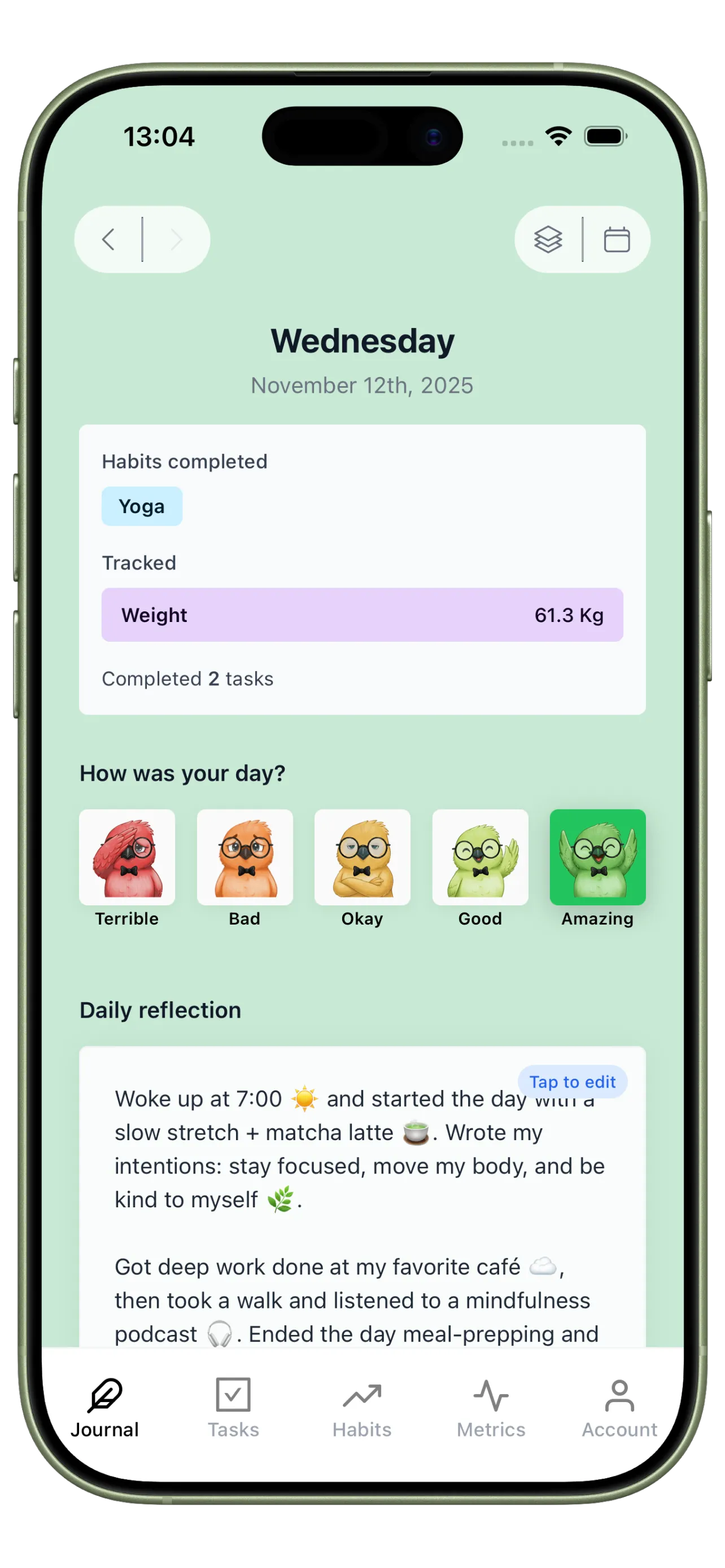
Use Journal for the kind of short context Notion templates often bury. A quick note about energy, mood, or friction explains more than another checkbox column.
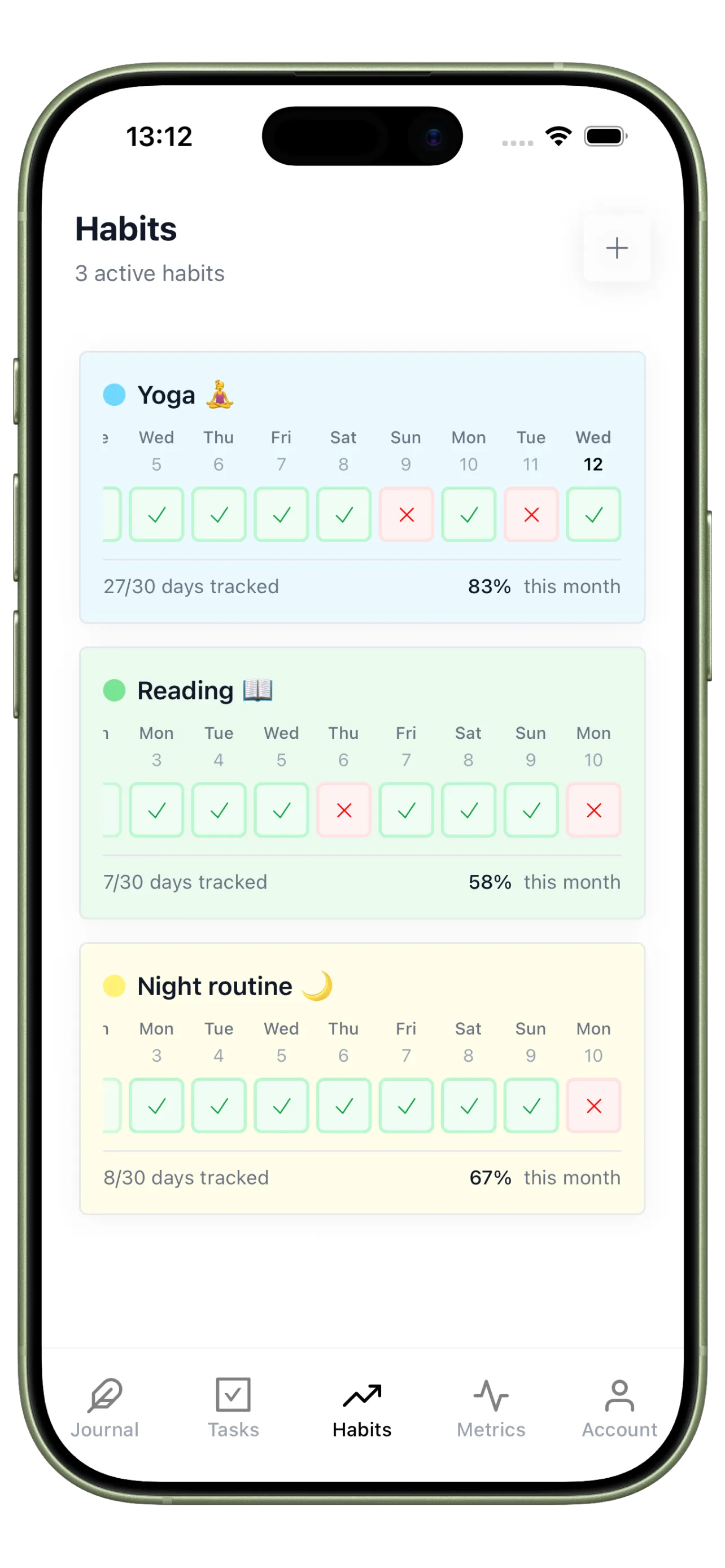
Native Habit Streaks
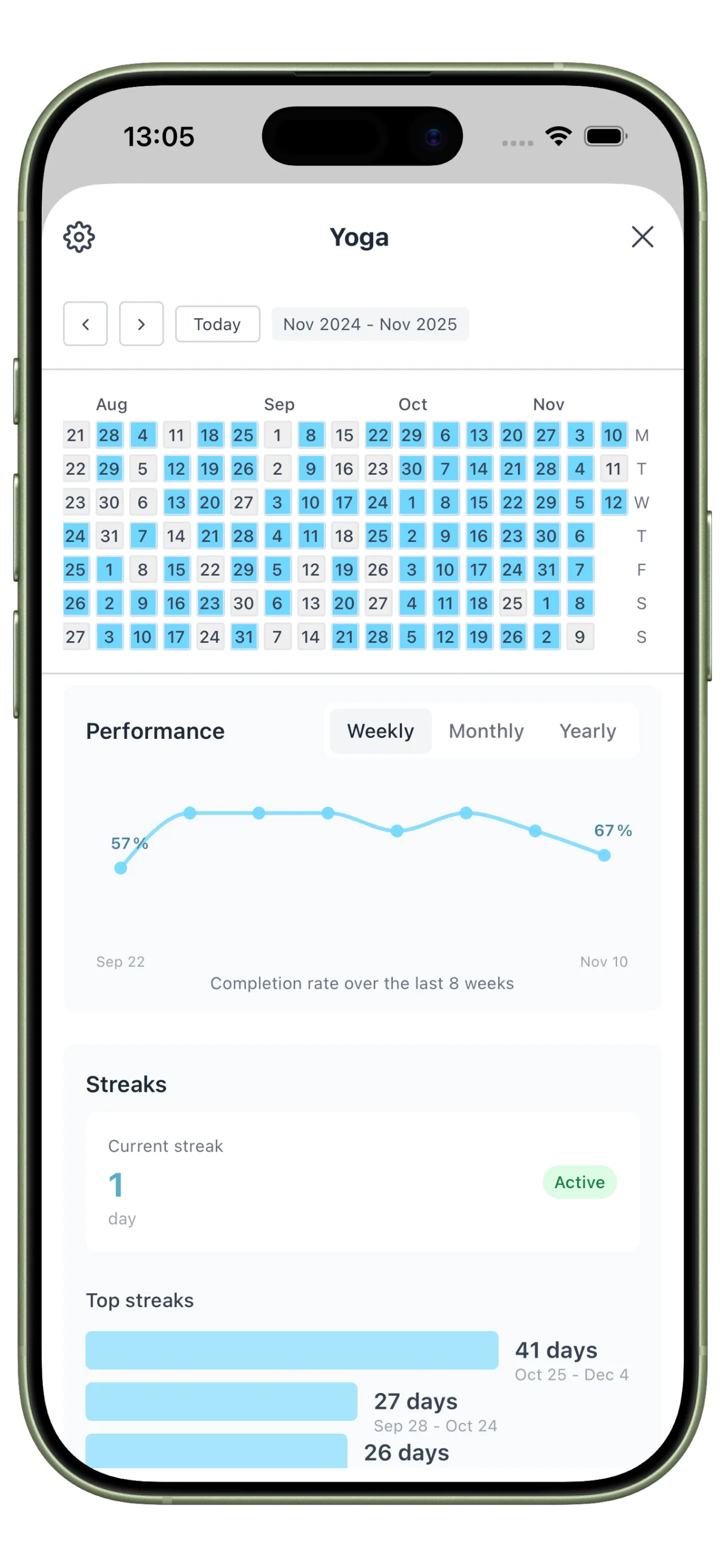
Use Habits for fast daily tracking with streak visibility built in. The goal is lower logging friction and higher repeat use.
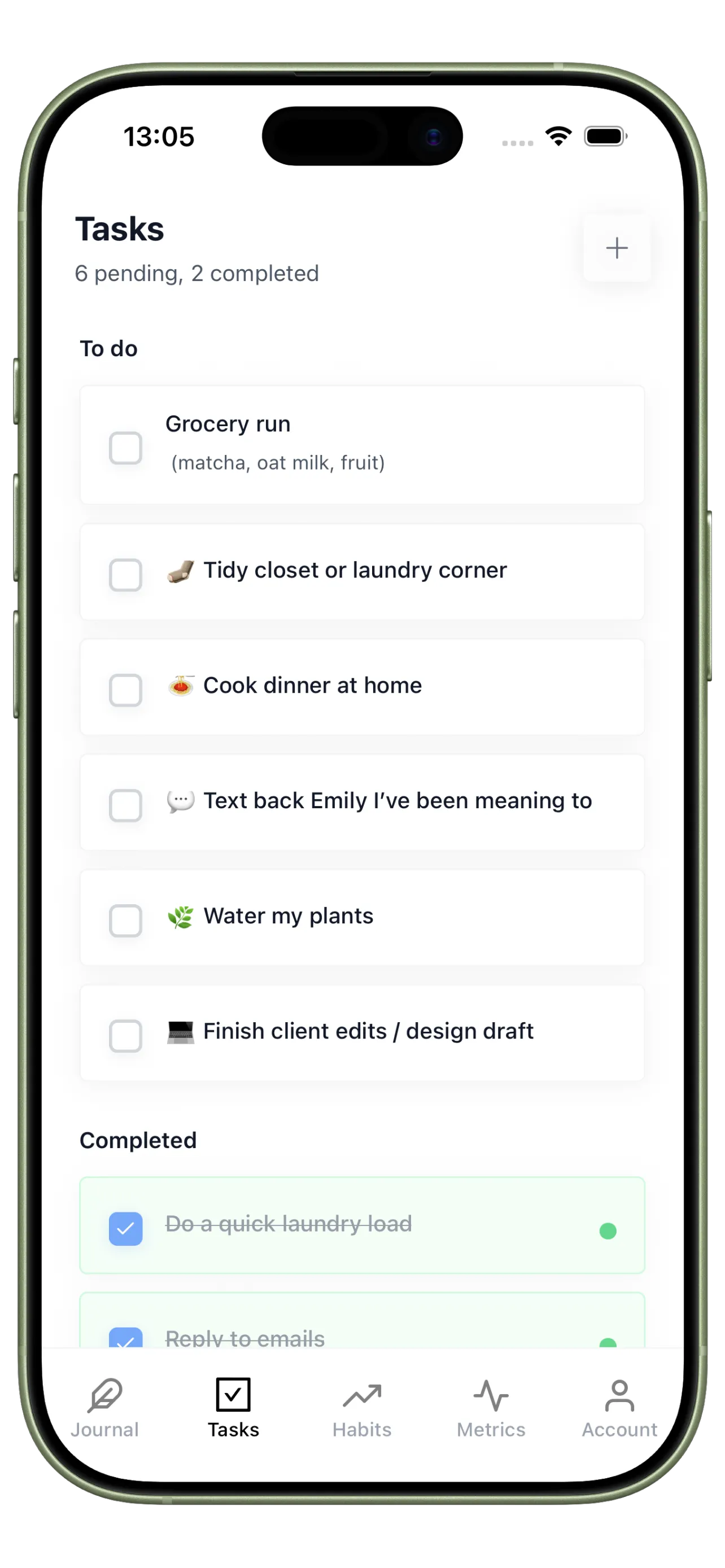
One-Off Support Tasks
Use Tasks for exceptions like buying supplements, booking a class, or resetting your routine after travel, the kind of actions habit templates usually handle poorly.
Your 4-Step Move Out of Notion
Keep the parts of your system that create consistency, and drop the parts that only create upkeep.
Step 1
Audit your current tracker
Keep only the habits you actually review each week. Most Notion setups carry too much historical clutter.
Step 2
Recreate just the core habits
Start with three to five repeated behaviors that matter most, not every metric your template used to store.
Step 3
Replace long notes with a one-minute reflection
Use a short daily journal entry to record what helped or hurt consistency.
Step 4
Use streaks to simplify review
Let weekly review come from visible adherence patterns instead of hand-built dashboards.
Track Habits Without Managing a Dashboard
Use quick logs, visible streaks, and trend data so your routine stays easy to run on normal days.
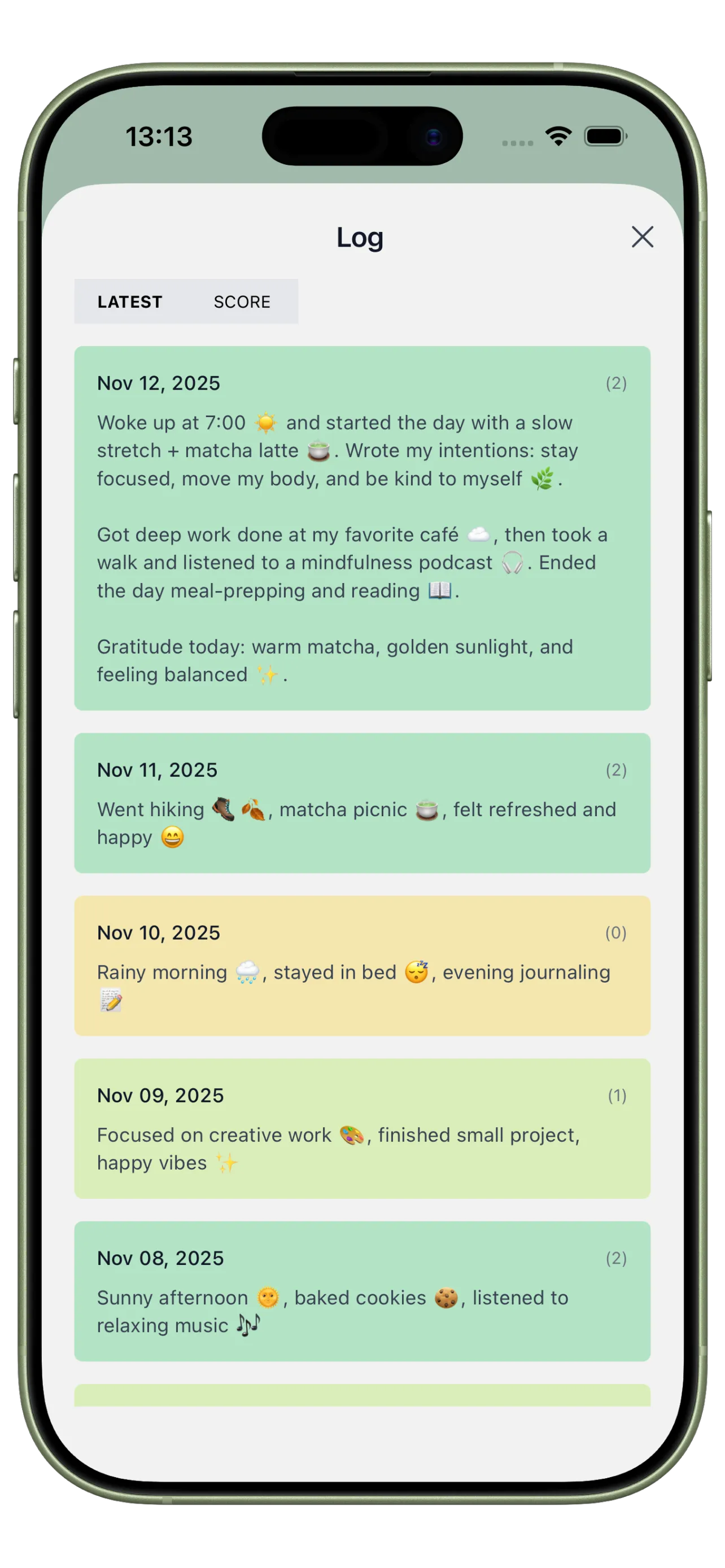
Template-Free Daily Log
Capture how the day felt and what affected adherence without editing a database every time.
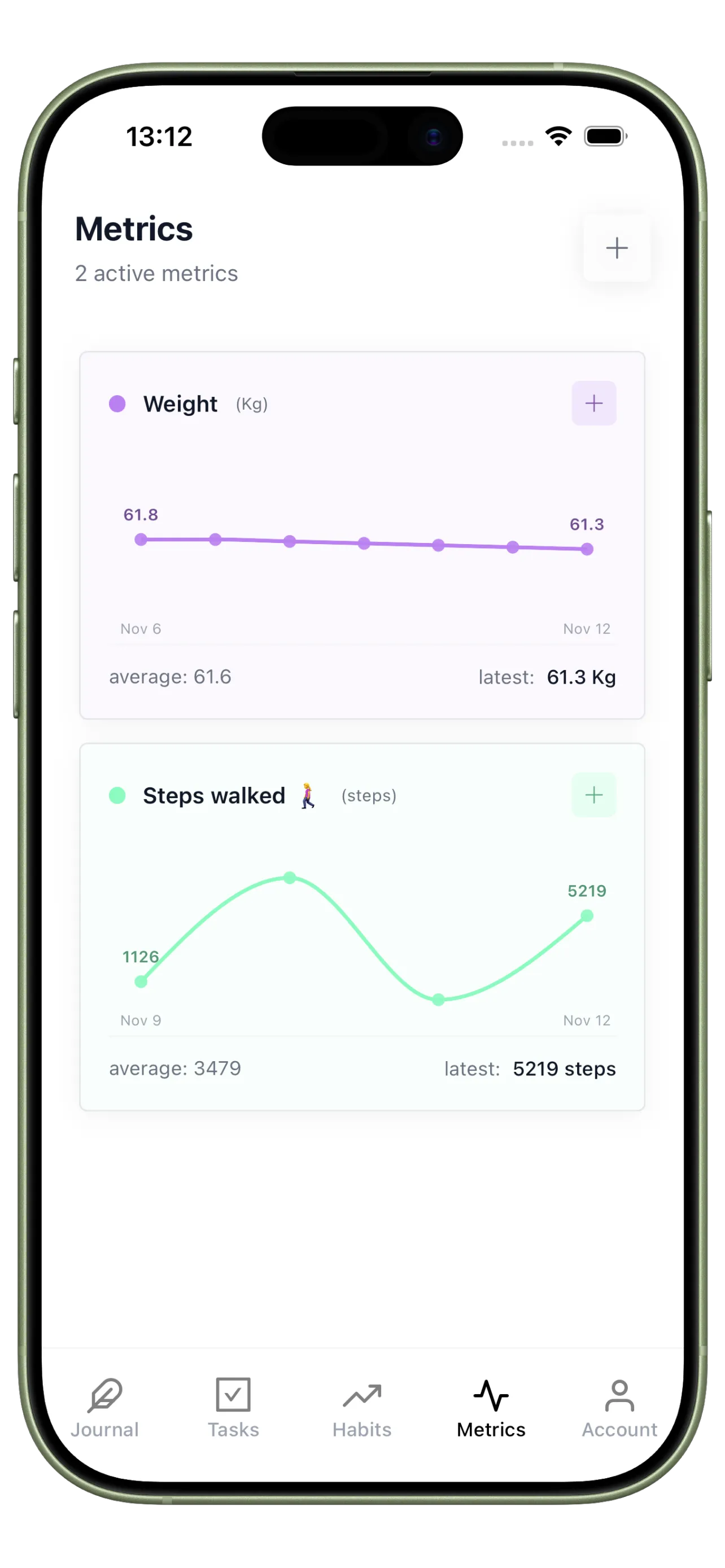
Real Habit Trend Tracking
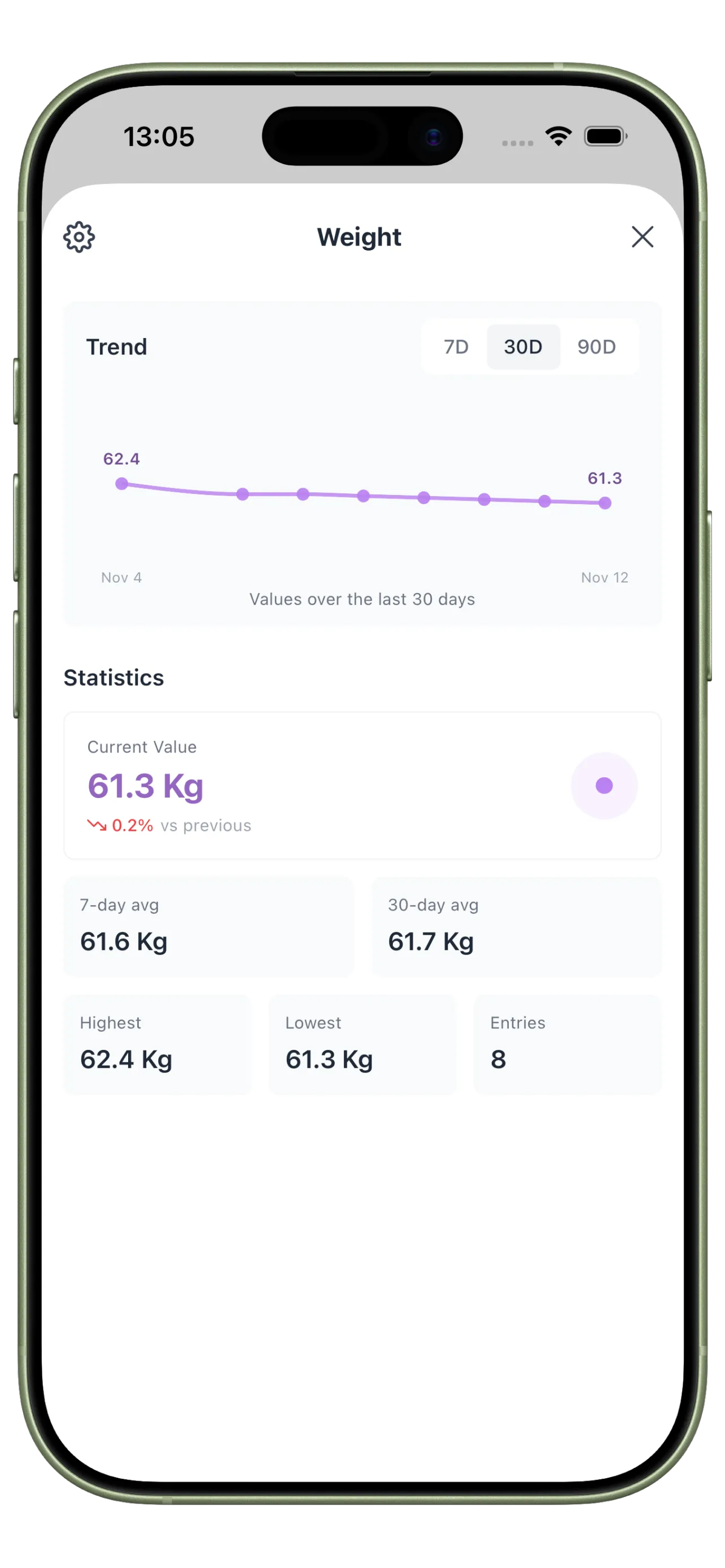
Measure streaks and custom metrics in a way that supports review instead of dashboard maintenance.
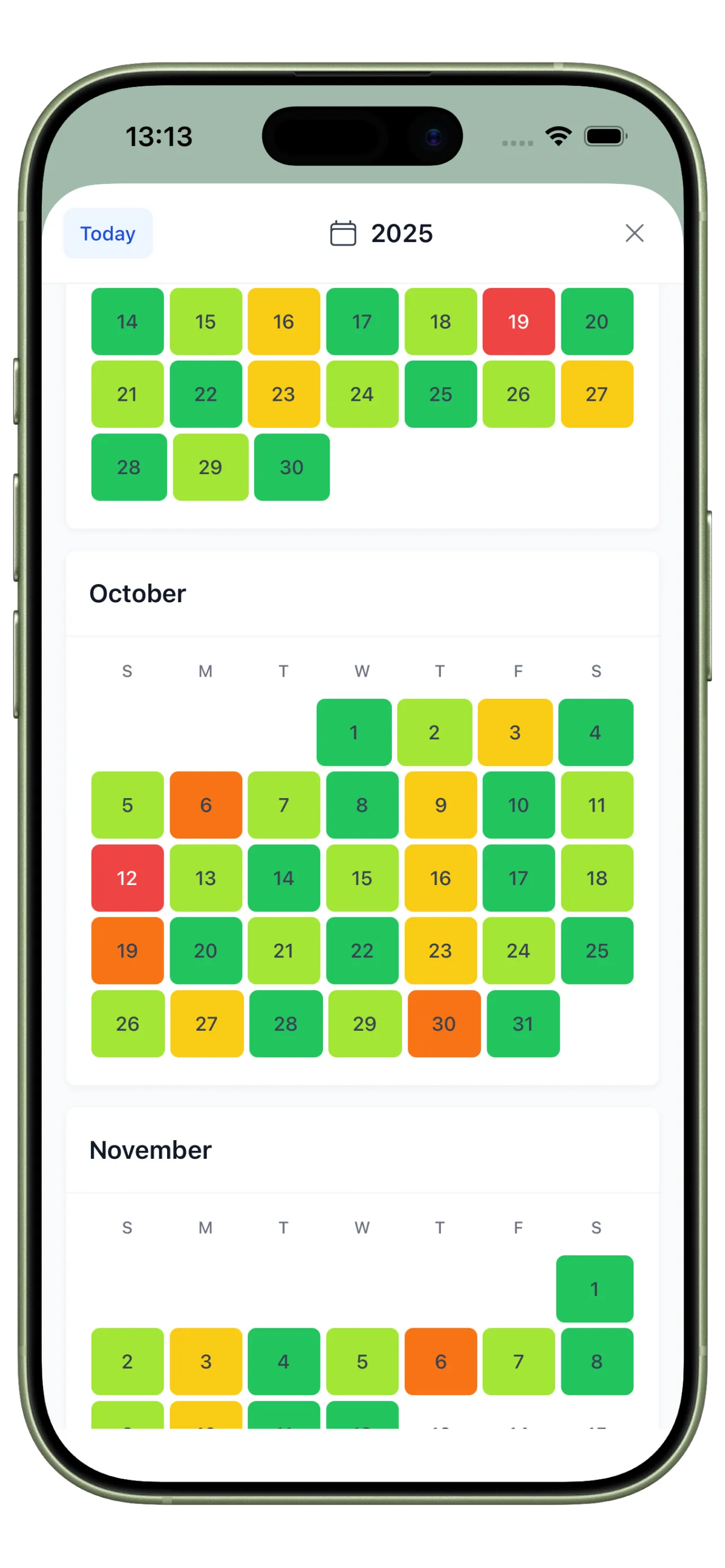
Heatmap Without Formulas
Use a visual calendar to spot consistency gaps immediately, no Notion relations or rollups required.
From Template Maintenance to Daily Use

Before: A Pretty Dashboard You Rarely Open
Your Notion tracker looks polished, but logging habits on a busy day feels slower than skipping them.

After: Fast Logging You Actually Keep Up
You open one app, check habits in seconds, review the day briefly, and move on without managing the system itself.
Notion Habit Tracker Alternative FAQ
Should I stop using Notion entirely?
Not necessarily. Many people keep Notion for planning or reference and move only the daily habit loop into a dedicated app.
What if I like the aesthetic side of a Notion tracker?
Keep the aesthetic system if it motivates you, but daily adherence usually improves when logging is faster than customizing.
When does a dedicated tracker make more sense than Notion?
Usually when habit logging becomes inconsistent because the setup is slower than the behavior you are trying to repeat.
Switch to a Tracker Built for Repetition
A habit system should make repetition easier, not turn daily tracking into another project.