Best App for Productivity and Management
If you are testing multiple productivity tools, the biggest problem is context switching. Three Cells gives you one place to plan, execute, and manage daily performance.
Professionals, founders, and students who need strong execution and better day management without tool sprawl.
Why Productivity and Management Tools Create Friction
Too many apps split planning, execution, and review into separate systems that are hard to maintain.
You rely on separate apps for planning, habits, and execution tracking.
Your productivity setup captures tasks but misses management quality and follow-through.
You spend too much time maintaining systems instead of completing high-impact work.
A Unified Productivity and Management System
Use the same Three Cells architecture with a management-first lens: clear priorities, execution habits, and end-of-day review.
Execution Review Journal
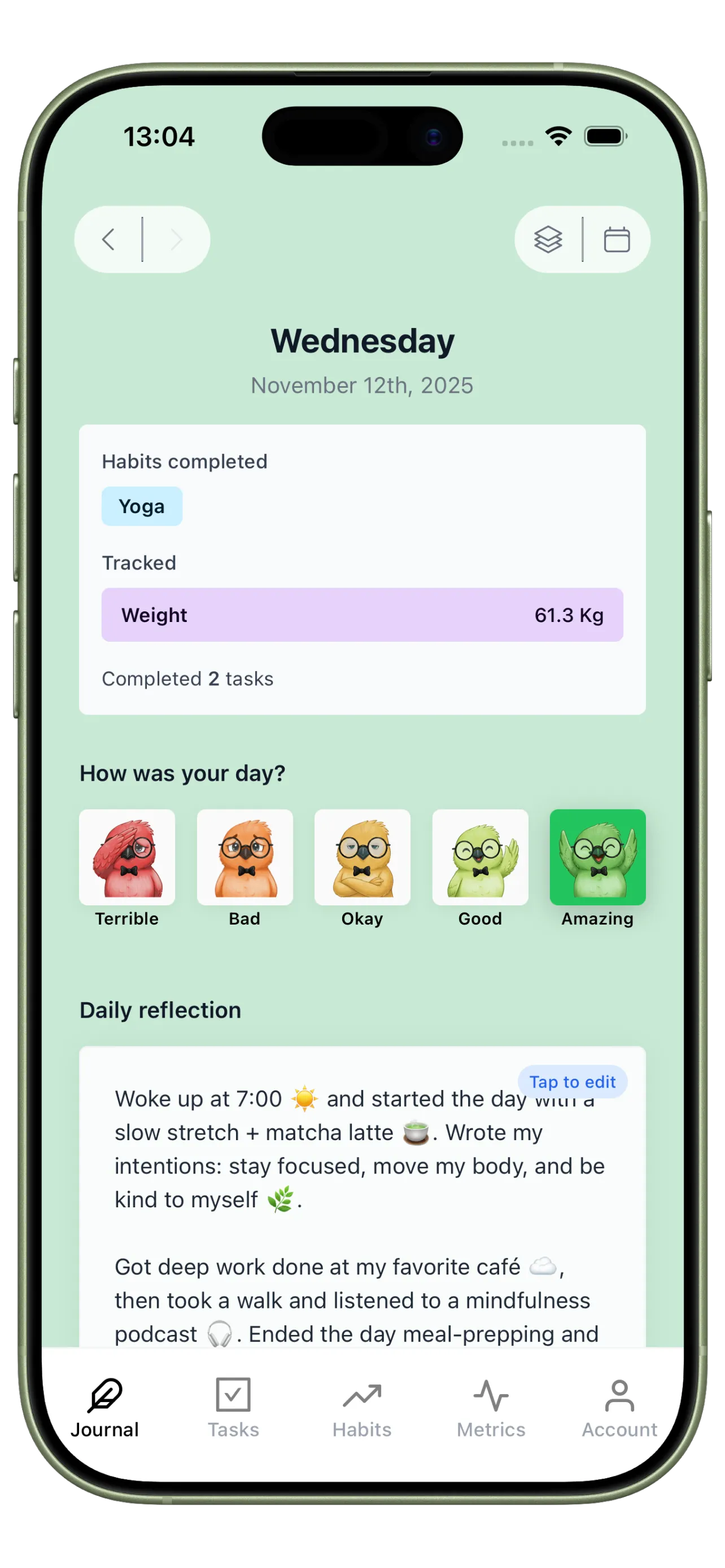
Use Journal for management reflection so every day produces actionable feedback, not just checked boxes.
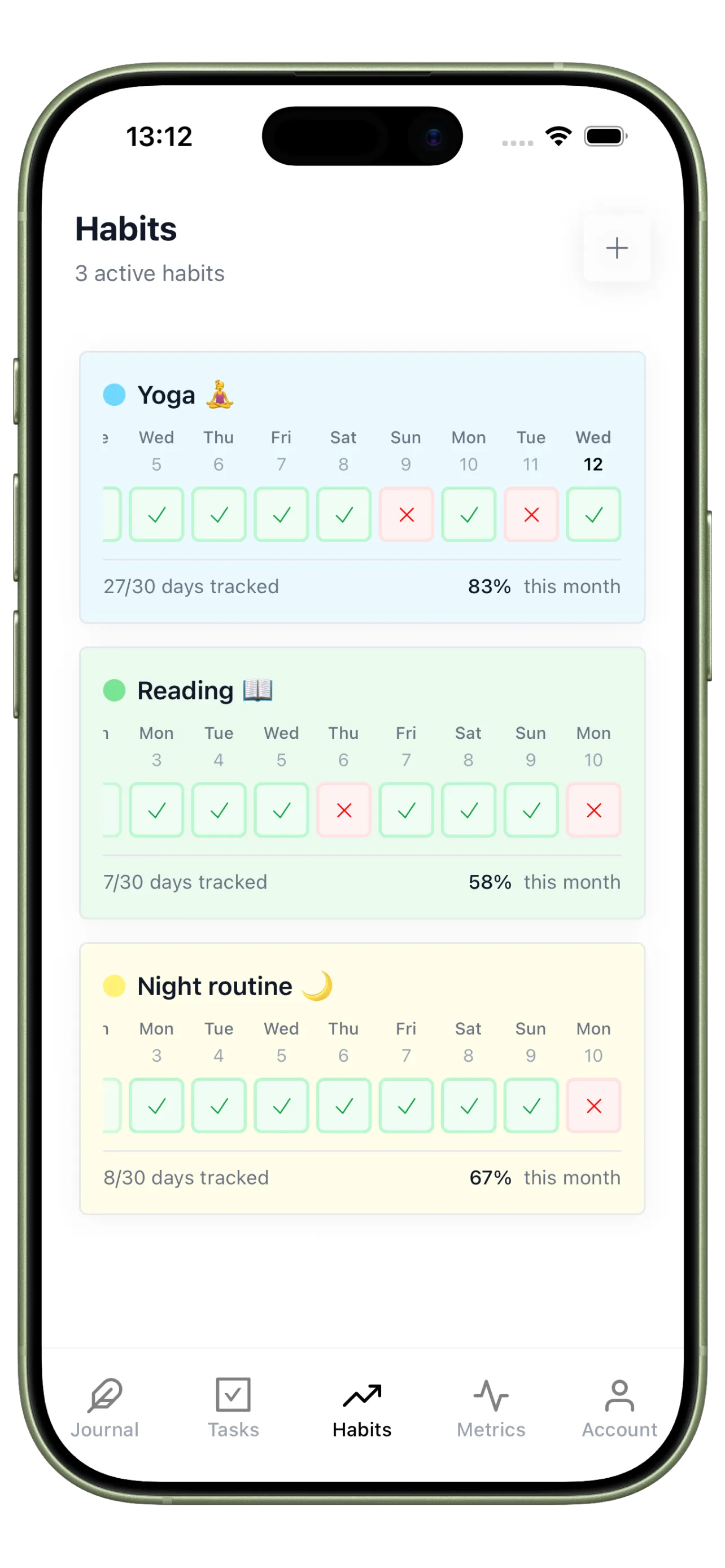
Productivity Habit System
Use Habits to enforce the routines that make productive execution repeatable.
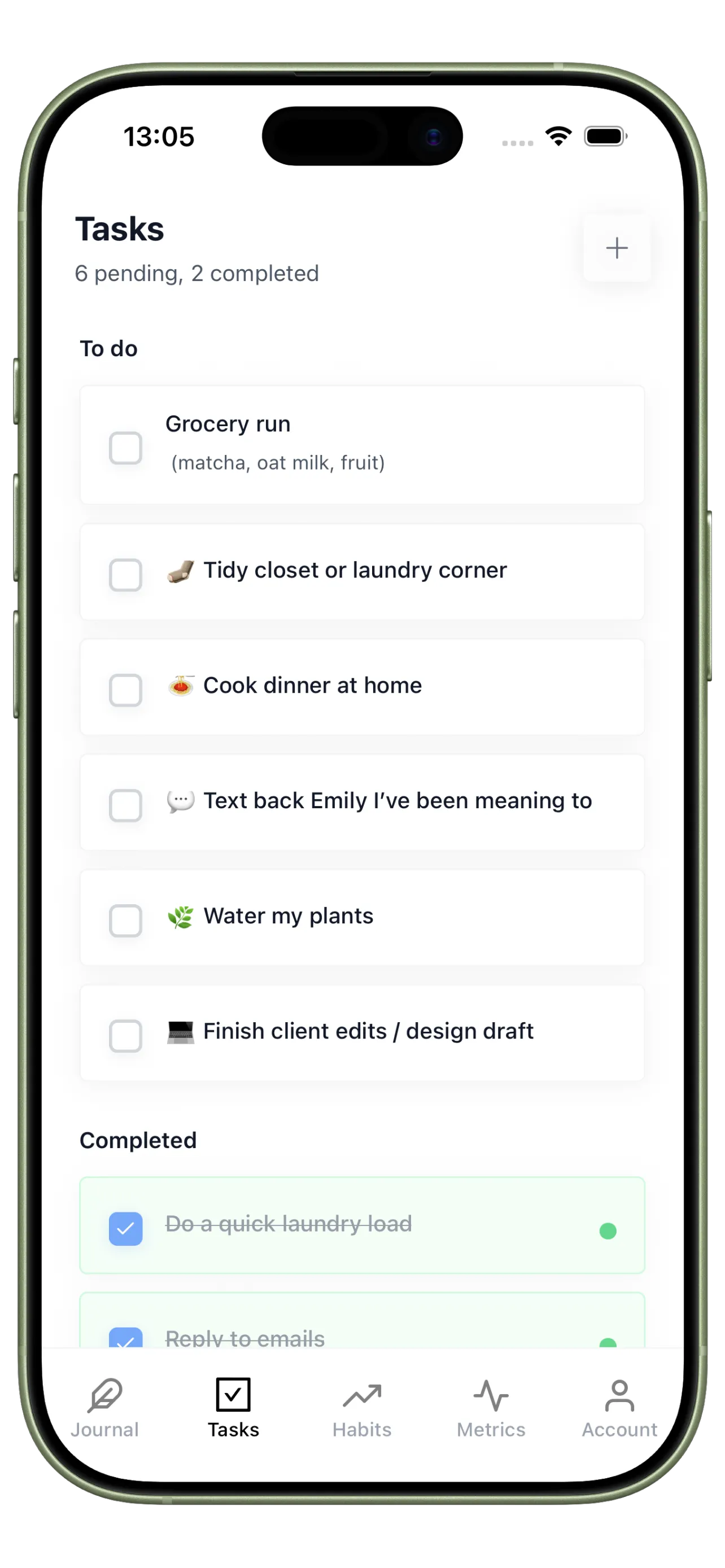
Management Priority Queue
Use Tasks to focus on high-value outcomes and reduce low-impact busywork.
Your 4-Step Productivity Management Loop
Use this loop to reduce tool switching and improve execution quality across the week.
Step 1
Set one daily management ritual
Start each day by defining your top outcomes before opening chat or email.
Step 2
Track two execution habits
Monitor the behaviors that drive output, such as deep work blocks and shutdown routines.
Step 3
Use a strict top-three task list
Limit active priorities so management decisions stay clear and actionable.
Step 4
Run a short daily review
Close each day by capturing wins, bottlenecks, and one improvement for tomorrow.
Track Performance With Decision-Ready Signals
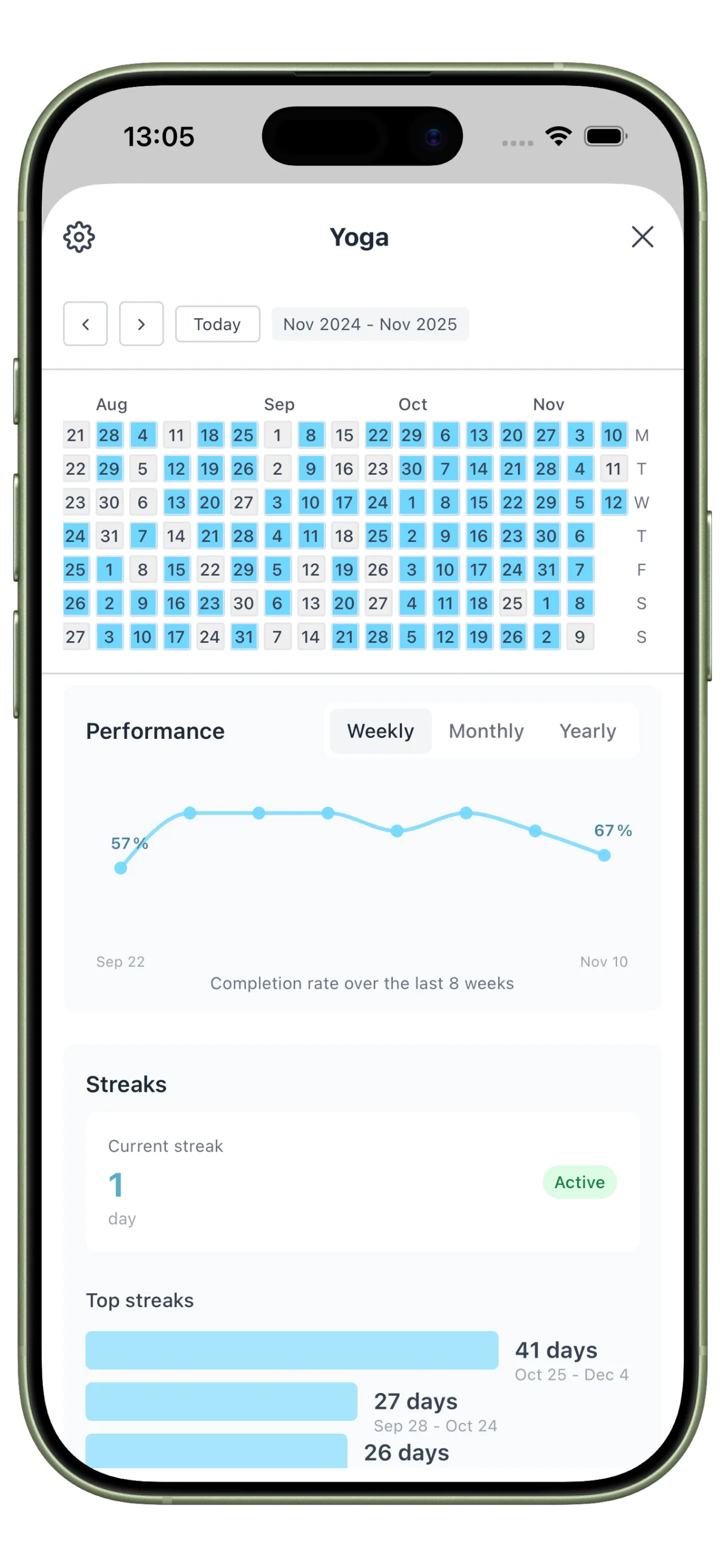
Use logs, trends, and heatmaps to see where output improves and where management overhead is still high.
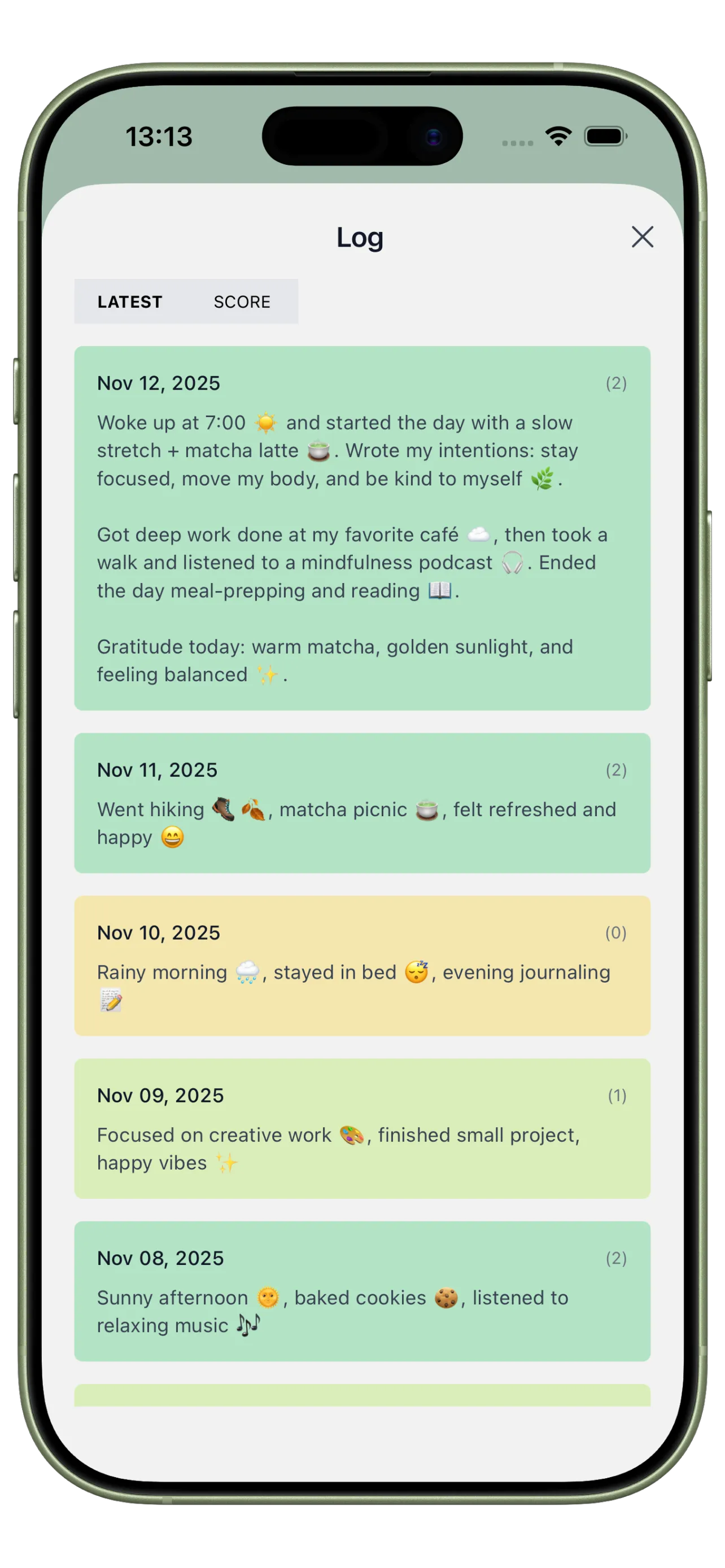
Execution and Bottleneck Log
Record what advanced key outcomes and where management friction slowed you down.
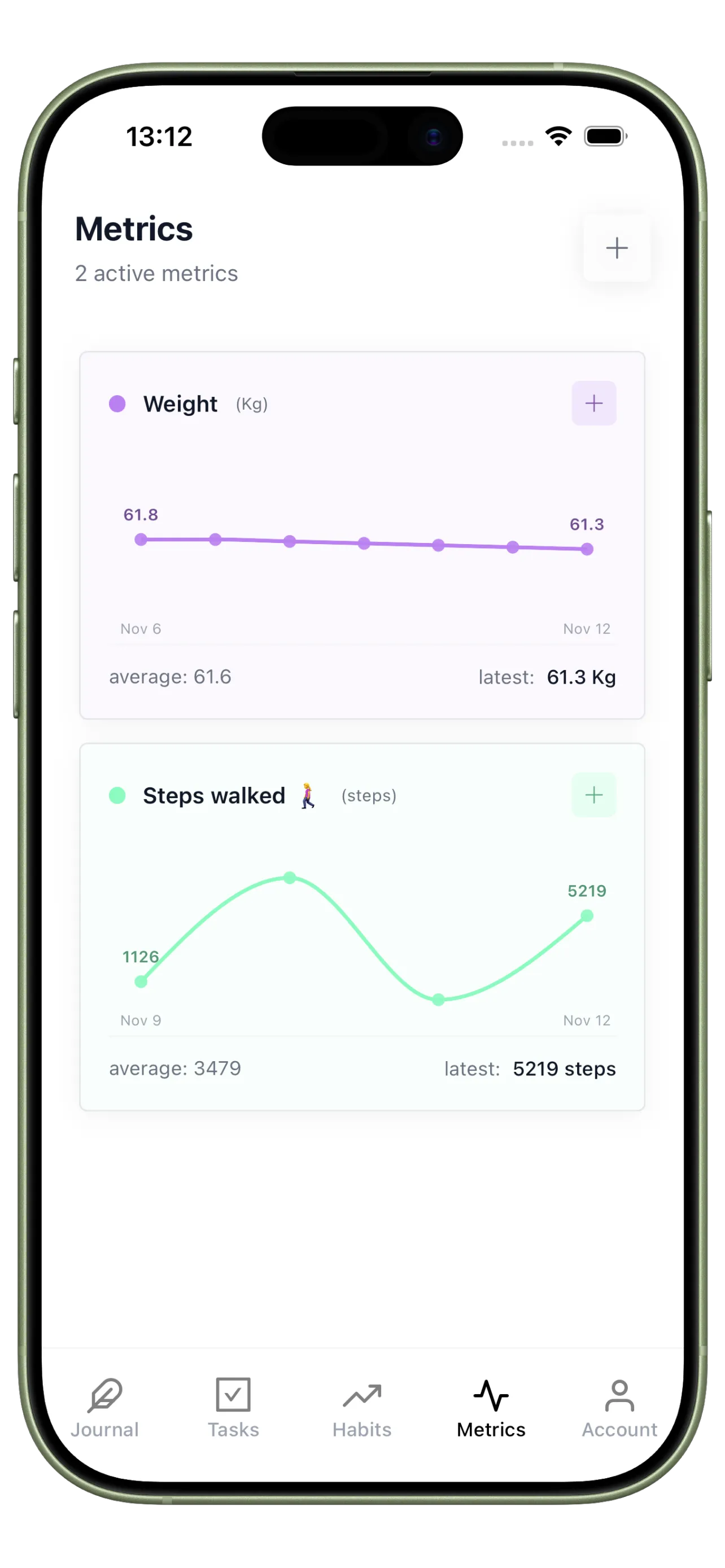
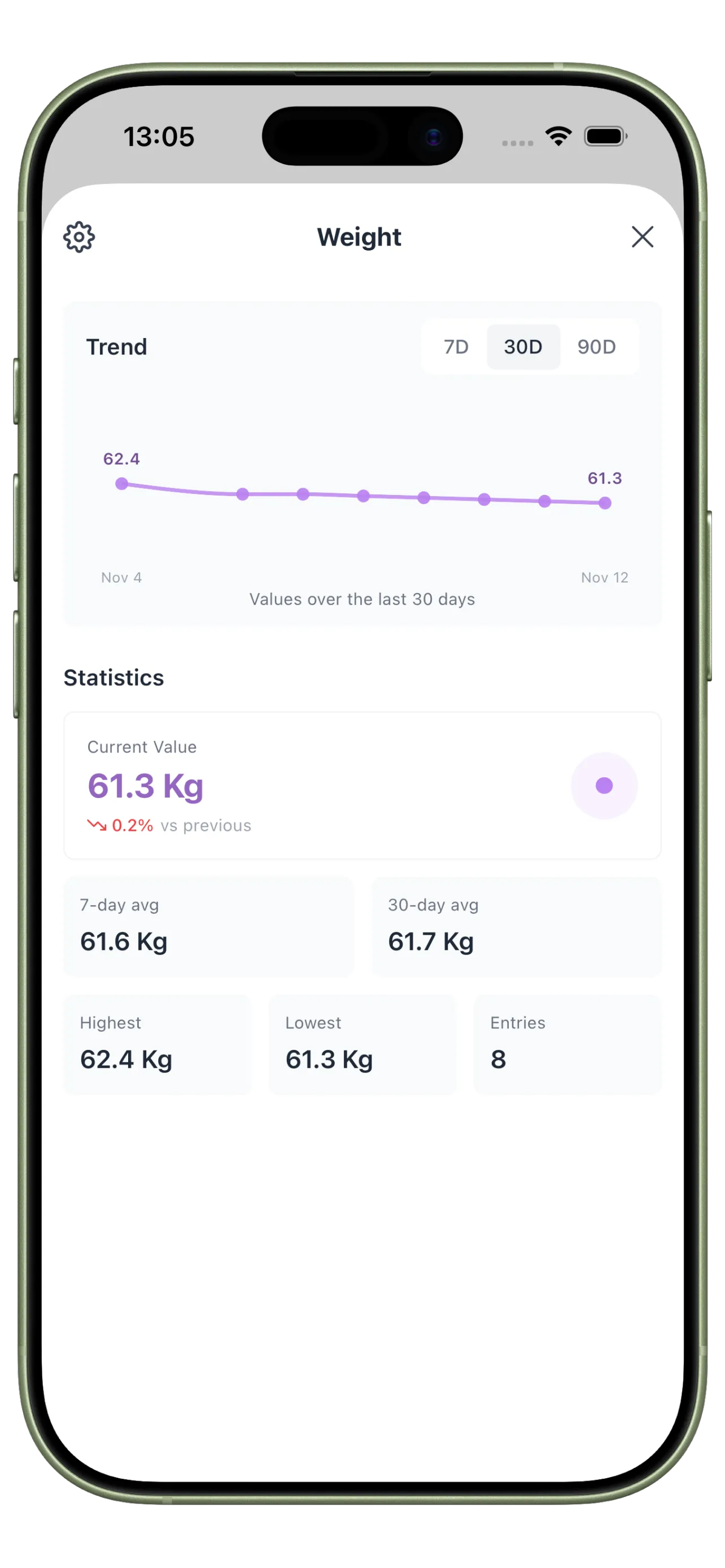
Output Management Trends
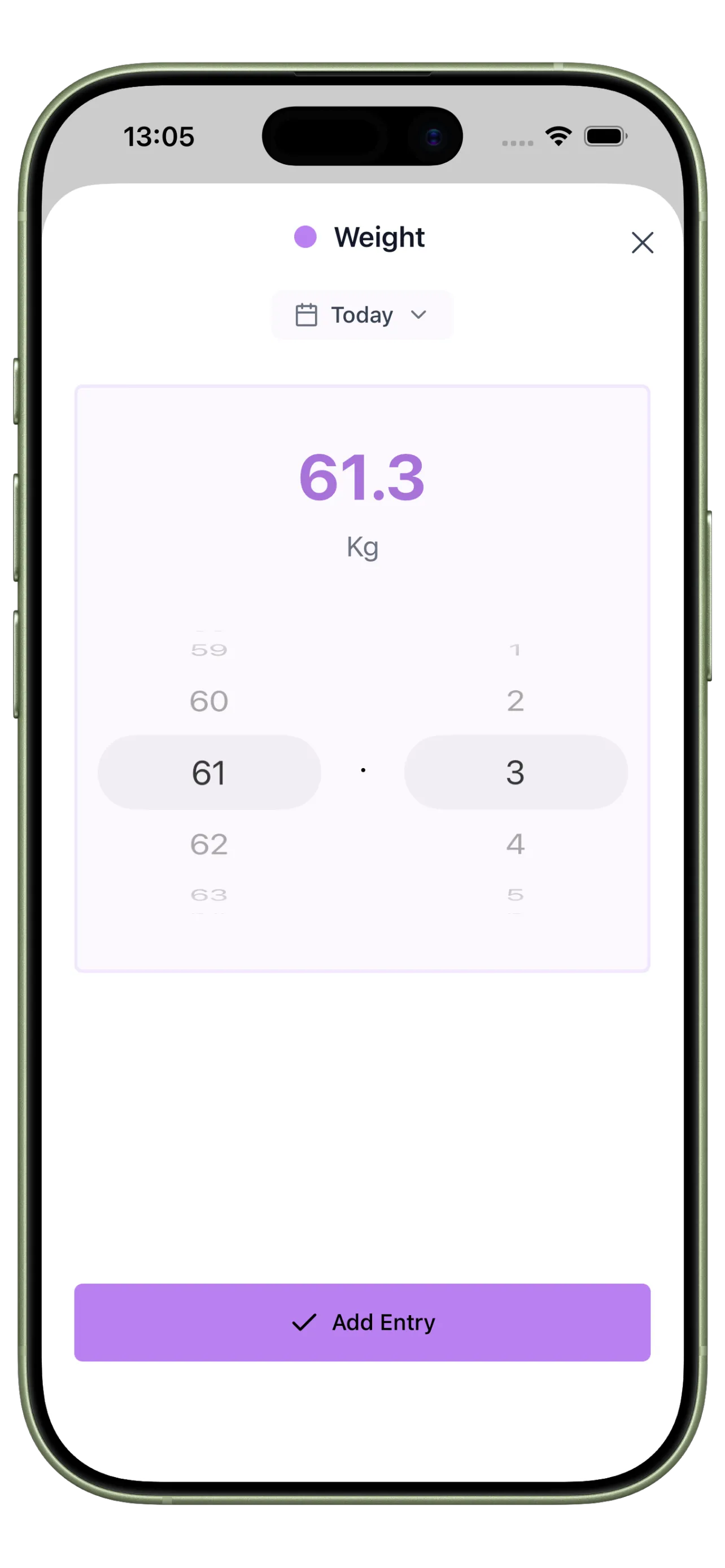
Track deep work, completion rates, or custom KPIs tied to your goals and responsibilities.
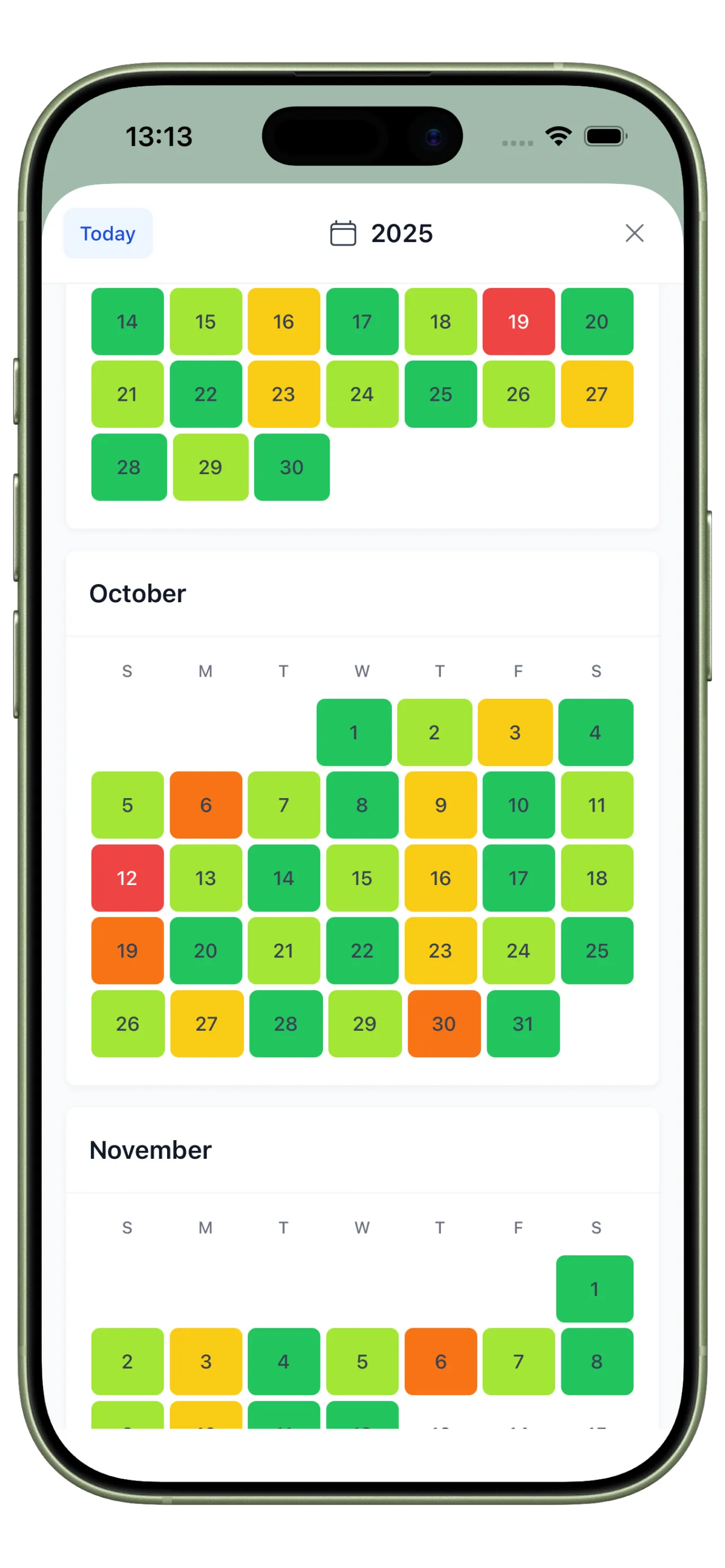
Management Consistency Heatmap
Visualize how consistently you follow planning and review routines that drive productive weeks.
From Tool Chaos to Controlled Execution

Before: Scattered Productivity Stack
You manage tasks, habits, and notes in different places and spend more time organizing than executing.

After: Integrated Management Workflow
One system helps you prioritize faster, execute with less friction, and review results clearly.
Productivity and Management FAQ
How is this different from using several specialized apps?
A unified workflow removes context switching and gives you one clear daily operating system for planning and execution.
Can this support both personal and professional management?
Yes. Most users combine work priorities with personal anchor habits in the same daily flow.
What should I track first for productivity management?
Start with top-three completion, focus block consistency, and a short end-of-day review.
Replace Tool Sprawl With One System
The best productivity system is the one you can run daily without switching between tools.